Color Balance
Adds a signed offset to the red, green, and blue channels.
The Color Balance node pushes each colour channel up or down by a fixed amount. It is the quickest way to tint a whole frame warm or cool.
- Three sliders, Red, Green, Blue
- Offsets add, so black lifts toward the tint too
- Found in the node graph under Post FX → Color FX
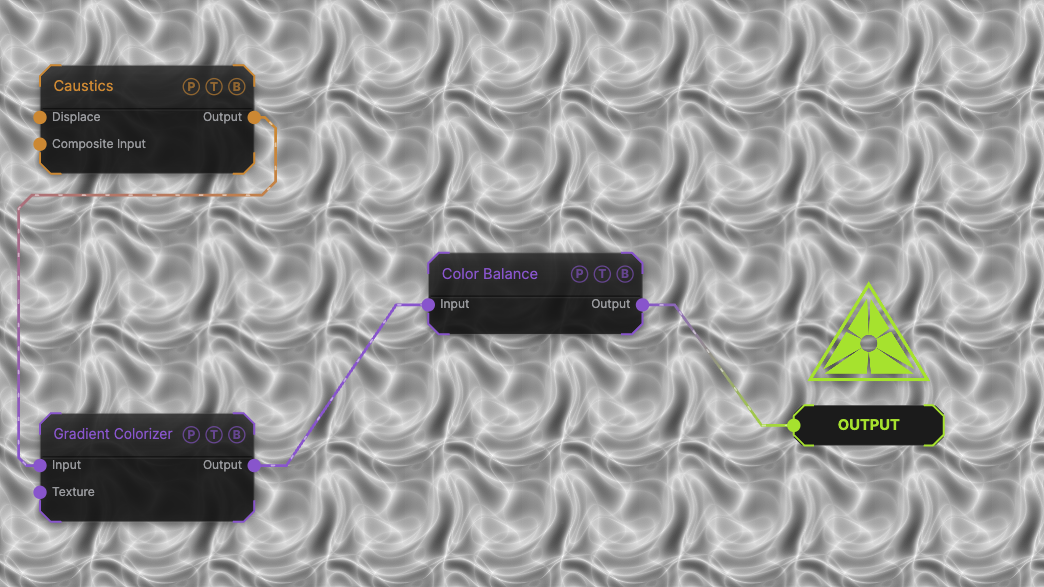
The image on the right is the example patch itself. Drag and drop it onto the app, or load it with File → Load, to open the full graph. A Caustics field, run through a Gradient Colorizer, with all three offsets at 0.
Inputs and outputs
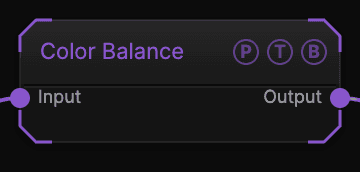
| Port | Type | Purpose |
|---|---|---|
| Input | Texture | The picture to process. |
| Output | Texture | The result. |
Parameters
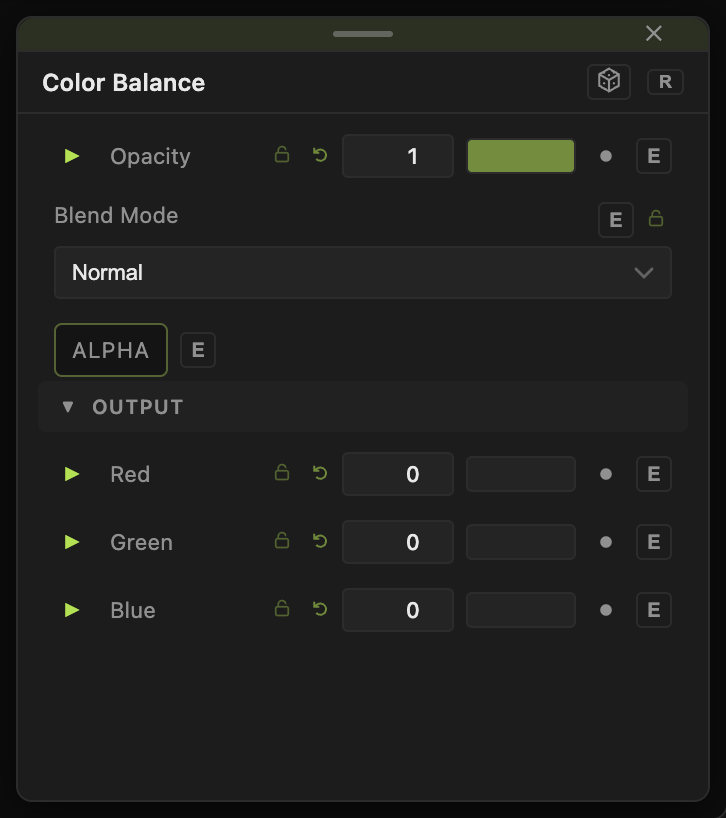
Opacity, Blend Mode, and Alpha are the standard operator header; see Parameters and Controls.
- Red, Green, Blue (−1 to 1, default 0) — the offset added to that channel. Positive brightens the channel, negative removes it.
Every slider has a per-parameter animation bar, so it can be animated, audio driven, or MIDI mapped.
Examples
Warm — Red 0.1, Blue −0.1.
Night — Blue 0.15, Red −0.15, Green −0.05.
Troubleshooting
The blacks are no longer black — offsets add to every pixel. Use Level or the Output node's colour correction for a tint that keeps black at black.