Copy Geometry
A second instance of any surface branch, with its own transform and an optional material override, without rebuilding the geometry.
The Copy Geometry node reuses the geometry that reaches it. Wire the same branch into it and into the rest of your chain, and you get a second copy placed by this node's transform, sharing the original's bake.
- The standard Position / Rotate / Scale block places the copy
- A Material Override slot restyles the copy alone
- Found in the node graph under Surfaces → Geometry; search for
instanceorduplicate
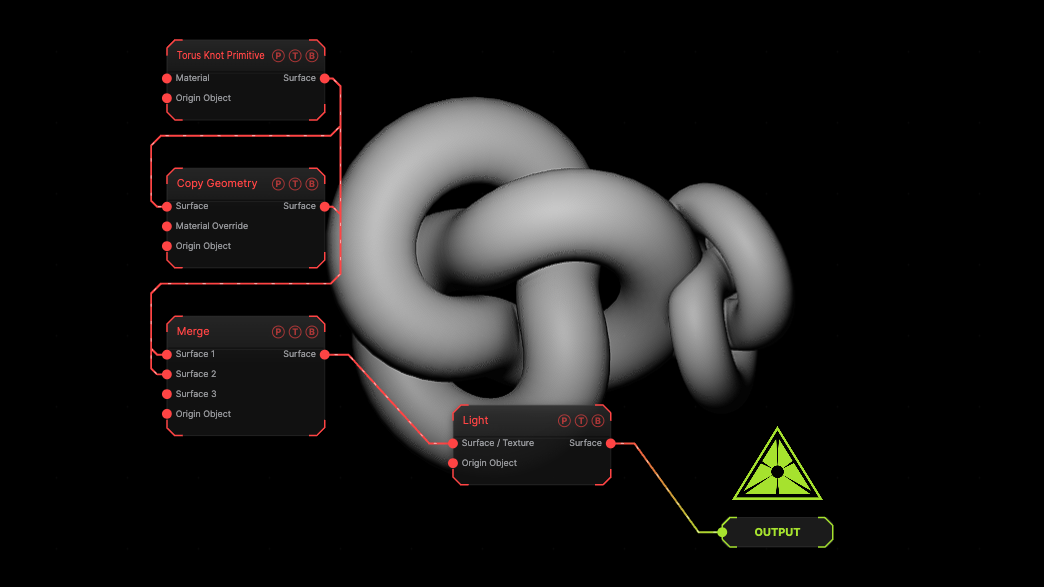
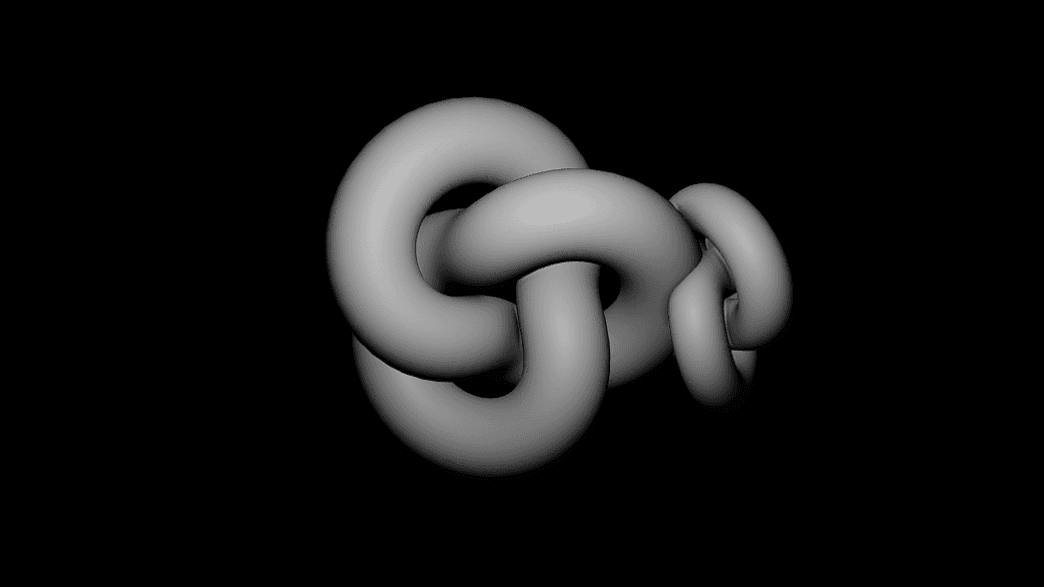
The image on the right is the example patch itself. Drag and drop it onto the app, or load it with File → Load, to open the full graph. A torus knot and a smaller rotated copy of it are joined by a Merge.
Inputs and outputs
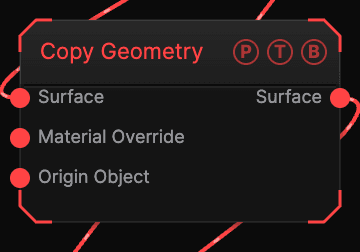
| Port | Type | Purpose |
|---|---|---|
| Surface | Surface | The branch to copy. |
| Material Override | Surface | A Material, Glass Material, or SDF Material applied to the copy only. |
| Surface | Surface | The copy. Join it with the original through a Merge. |
Parameters
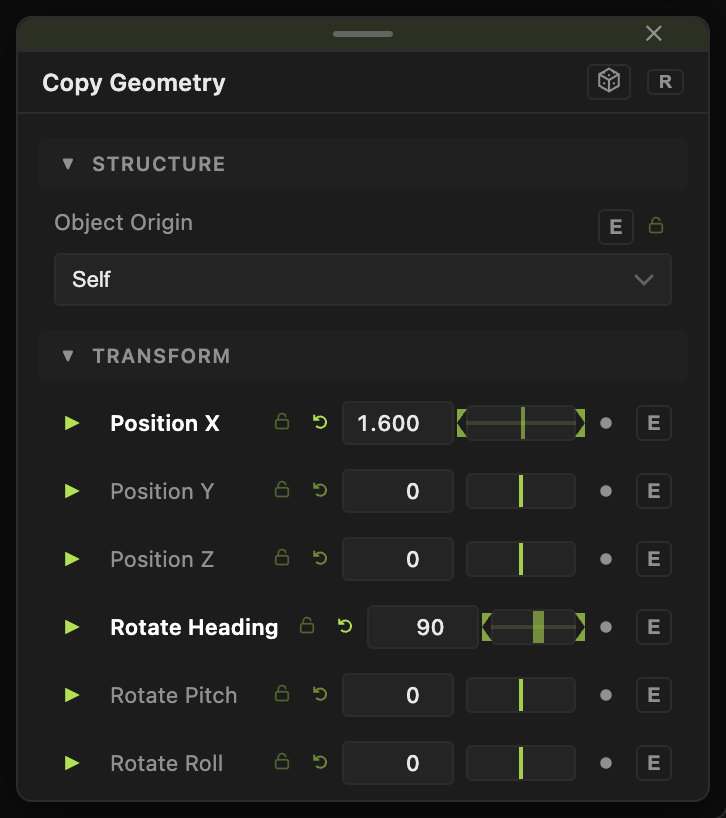
- Position X / Y / Z (default 0).
- Rotate Heading / Pitch / Roll (default 0), in degrees.
- Scale X / Y / Z and Uniform Scale (default 1).
All of them carry a per-parameter animation bar. Because the copy shares the source's geometry, animating its transform costs nothing extra.
Examples
Mirror pair — Scale X −1 on the copy, then Merge both.
Ghost — wire a Glass Material into Material Override and place the copy slightly behind the original.
Troubleshooting
Only one object shows — the copy and the original must both reach the Output, usually through a Merge. On its own the copy replaces the original in the chain.
Deformers after the copy affect both — deformers gather from the mesh they follow. Put deformers before the copy to bake them into both, or after the Merge on one branch only.