Cloth Deformer
A real cloth solver with springs, self collision, a ground plane, pressure, and pin modes. The only deformer that carries state.
The Cloth Deformer simulates the mesh as cloth. Pin an edge, add gravity, and wire Force Affectors for wind.
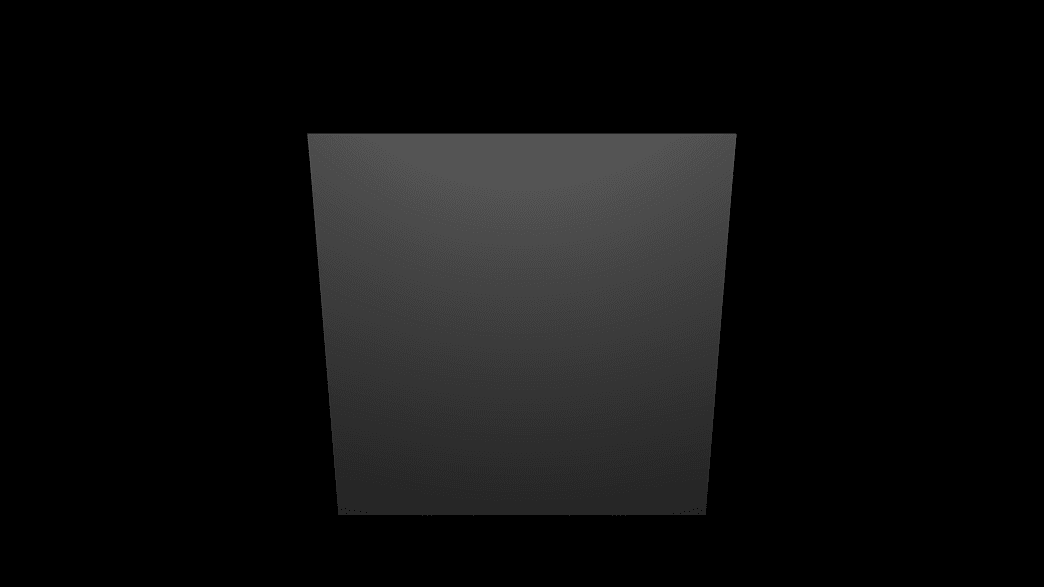
- Solver rate and step controls
- Spring, bend, and self-collision settings
- Pin Mode and a Pin Map
- Found in the node graph under Surfaces → Deformers
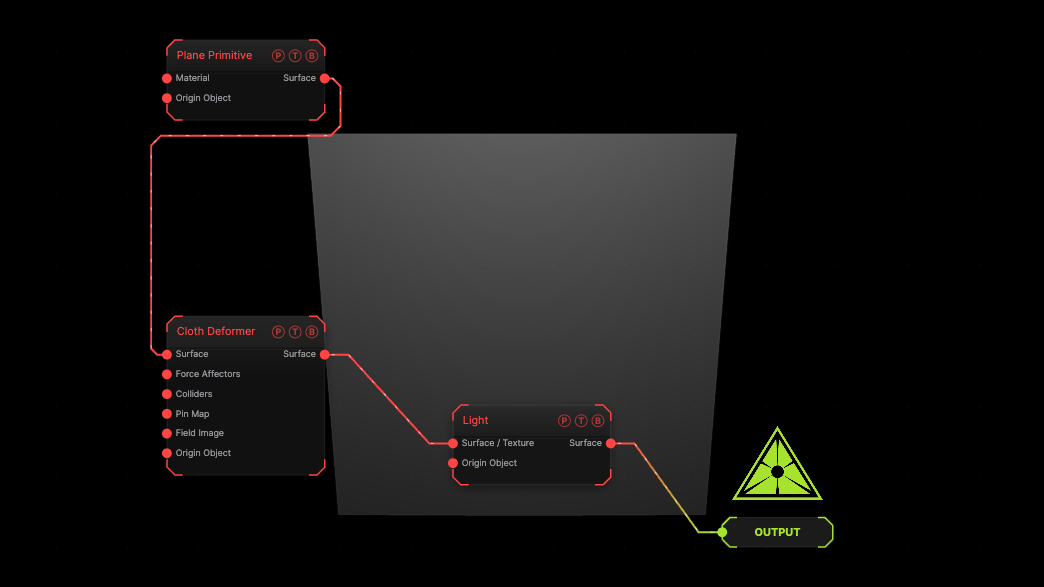
The image on the right is the example patch itself. Drag and drop it onto the app, or load it with File → Load, to open the full graph. A plane pinned along its top edge, hanging under gravity.
Inputs and outputs
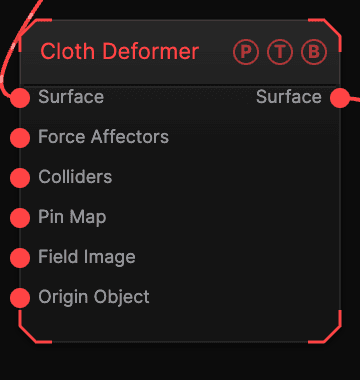
| Port | Type | Purpose |
|---|---|---|
| Surface | Surface | The mesh to deform. |
| Force Affectors | Surface | One or more Force Affector nodes. |
| Colliders | Surface | Meshes the cloth collides with. |
| Pin Map | Texture | Bright pixels pin vertices. |
| Field Image | Texture | A texture read by the Image field shape. |
| Origin Object | Surface | A Null to parent to. |
| Surface | Surface | The deformed mesh. |
Parameters
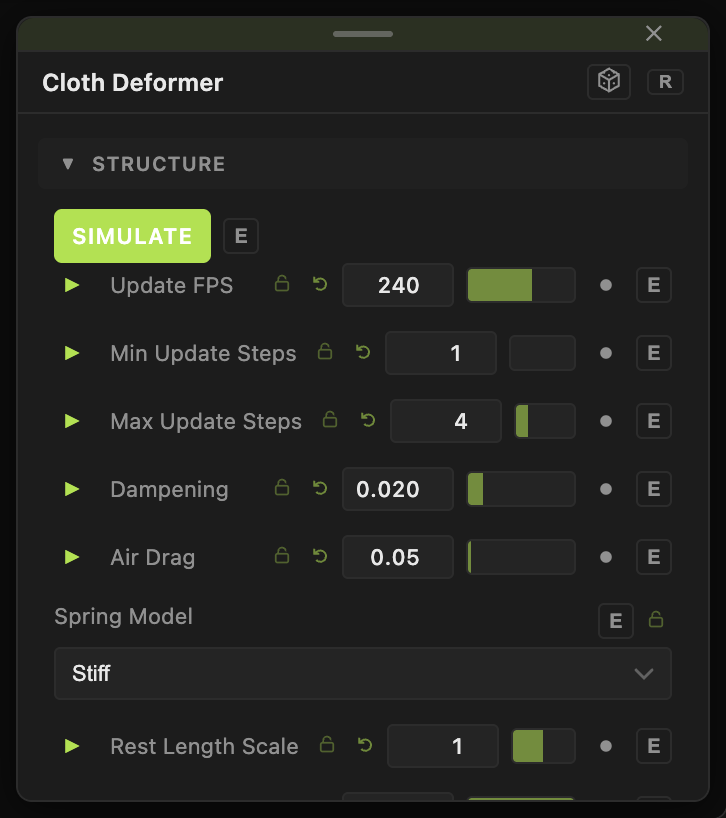
- Simulate (default on), Update FPS (30–960, default 240), Min / Max Update Steps.
- Gravity (default 9.8), Dampening (default 0.02), Air Drag (default 0.05).
- Spring Model (Stiff default or Flexible), Rest Length Scale, Stiffness (default 1), Shear Stiffness, Spring Dampening, Bend Springs, Bend Stiffness, Bend Dampening.
- Self Collisions (Off, Simple, Accurate), Collision Thickness, Ground Plane, Ground Height, Friction, Collision Margin.
- Volumetric Pressure, Target Volume, Constant Pressure — inflate a closed mesh.
- Pin Mode — None, Top Edge (default), Top Corners, Left Edge, All Edges; Pin Map Threshold.
Field
- Field (default off) — limits the deformer to a region. Field Shape (Sphere, Box, Plane, Image), Field Size, Falloff, Inner Radius, Invert Field, Field Follows Mouse, Image Channel, and the Field Position / Heading / Pitch / Roll / Scale block.
- Position X / Y / Z, Rotate Heading / Pitch / Roll, Scale X / Y / Z, Uniform Scale — the deformer's own frame, which sets its axis.
Every slider has a per-parameter animation bar, so it can be animated, audio driven, or MIDI mapped.
Examples
Flag — a Plane with Subdivisions 40, Pin Mode Left Edge, a Force Affector in Wind mode.
Balloon — a subdivided Sphere, Volumetric Pressure 5.
Troubleshooting
The cloth explodes — lower Stiffness or raise Max Update Steps.
Nothing moves — global playback is paused; the solver follows the transport.