Remesh
Rebuilds a mesh with even triangles or quad-dominant faces at a chosen edge size, keeping its shape, open edges, and hard edges.
The Remesh node throws away a mesh's topology and rebuilds it with evenly sized faces. Use it before deformers that need uniform density, or to turn a rough model into clean quads.
- Size Mode relative to the average edge or in absolute world units
- Triangles or quad-dominant output, with regularisation passes for quads
- Found in the node graph under Surfaces → Topology
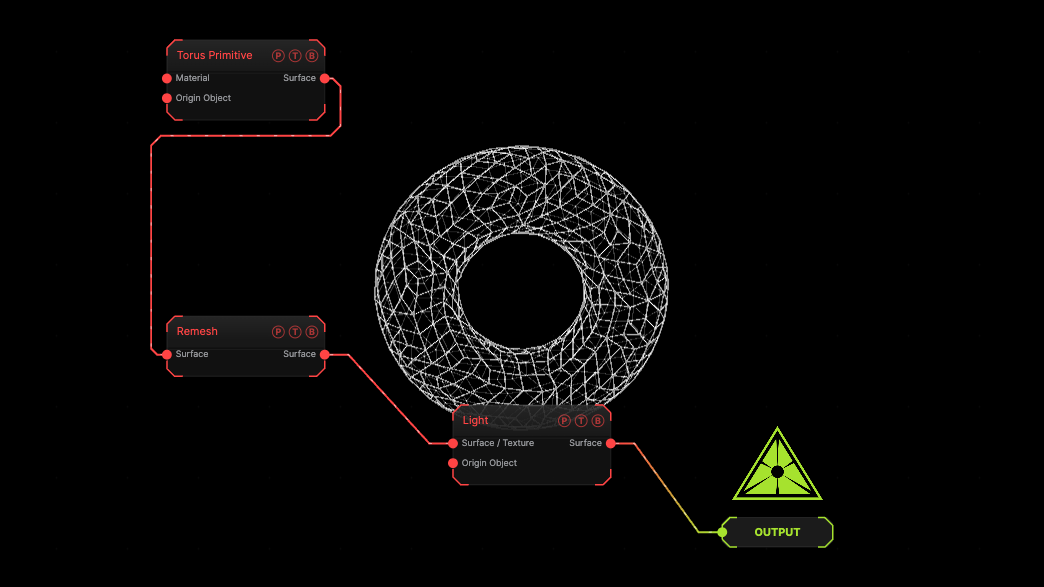
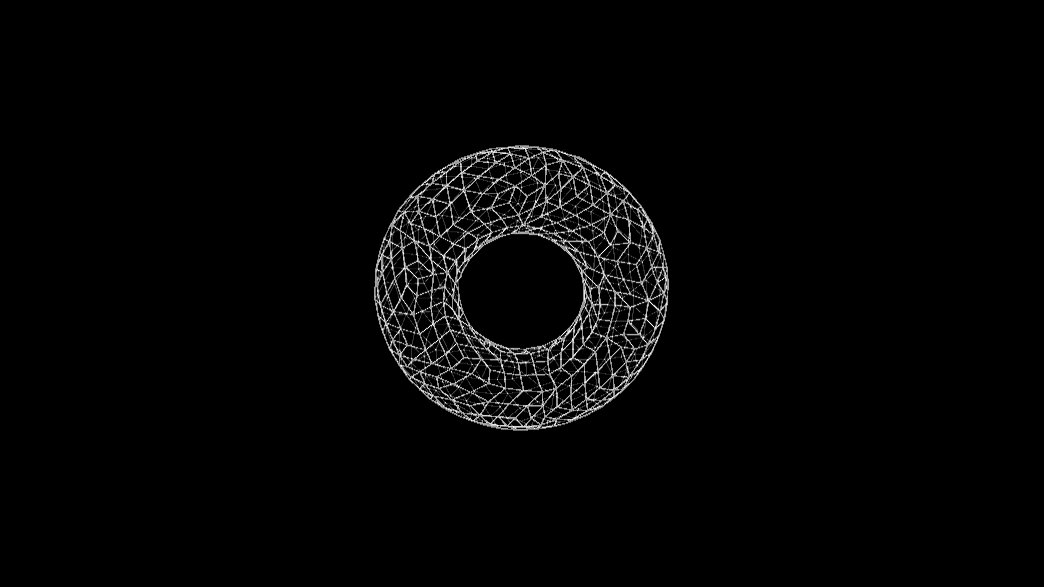
The image on the right is the example patch itself. Drag and drop it onto the app, or load it with File → Load, to open the full graph. A torus is remeshed at the defaults; switch the viewport to Wireframe to see the new faces.
Inputs and outputs
| Port | Type | Purpose |
|---|---|---|
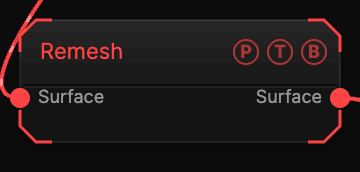
| Surface | Surface | The mesh to rebuild. |
| Surface | Surface | The rebuilt mesh. |
Parameters
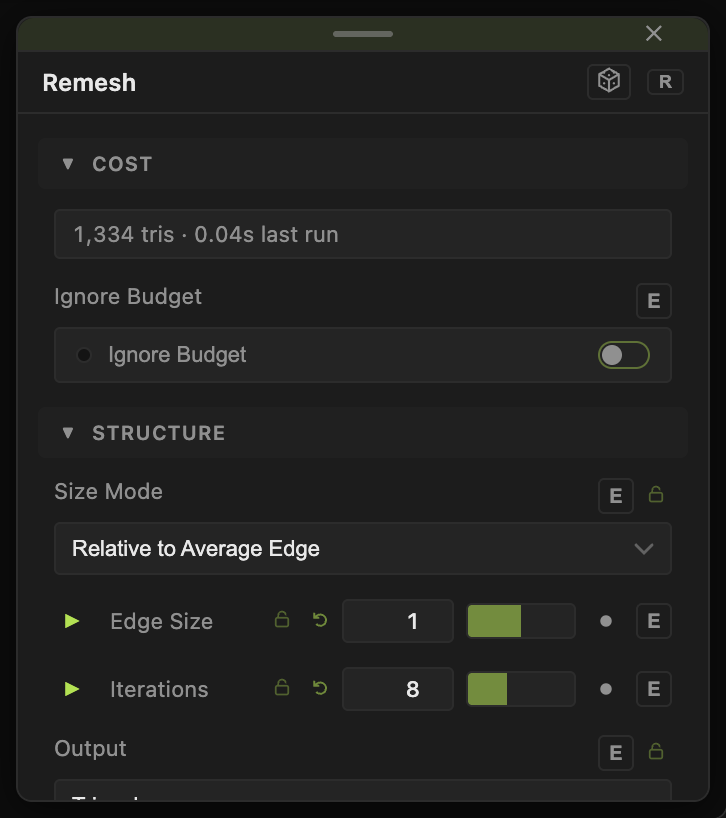
- Cost — a read-only estimate of the resulting face count and bake time.
- Size Mode — Relative to Average Edge (default) uses Edge Size (default 1) as a multiplier of the input's mean edge; Absolute (World Units) uses Edge Length (default 0.1).
- Iterations (default 8) — relaxation passes. More gives a more even result.
- Output — Triangles (default) or Quads (Quad-Dominant). Quad Regularise (default 12) is the number of extra passes that square up the quads.
- Keep Original Shape (default on) — projects the new vertices back onto the input surface.
- Preserve Open Edges (default on) — keeps boundary loops in place.
- Protect Hard Edges (default on) with Hard Edge Angle (default 45°) — edges sharper than the angle are kept as creases.
- Ignore Budget — run past the one-million-face ceiling. Rebuild forces a new bake.
The bake runs in the background; the viewport shows a progress pill with an estimated time while it works. Results are cached per project, so reopening a patch does not rebake.
Examples
Even cloth base — Remesh a Plane at Edge Size 0.5 before a Cloth Deformer.
Quad model — a loaded model into Remesh with Output Quads and Quad Regularise 20.
Troubleshooting
Corners are rounded off — turn on Protect Hard Edges or lower Hard Edge Angle.
The face count is huge — raise Edge Size. The Cost readout updates before you commit.