Infection
A solver that grows plates across any mesh from scattered or hand-placed seed points, lifts and rotates the affected polygons, and blends them to a second material.
The Infection deformer spreads across a mesh over time. Plates of polygons grow out from seed points, rise off the surface, take on the Infected Material, then decay and replay.
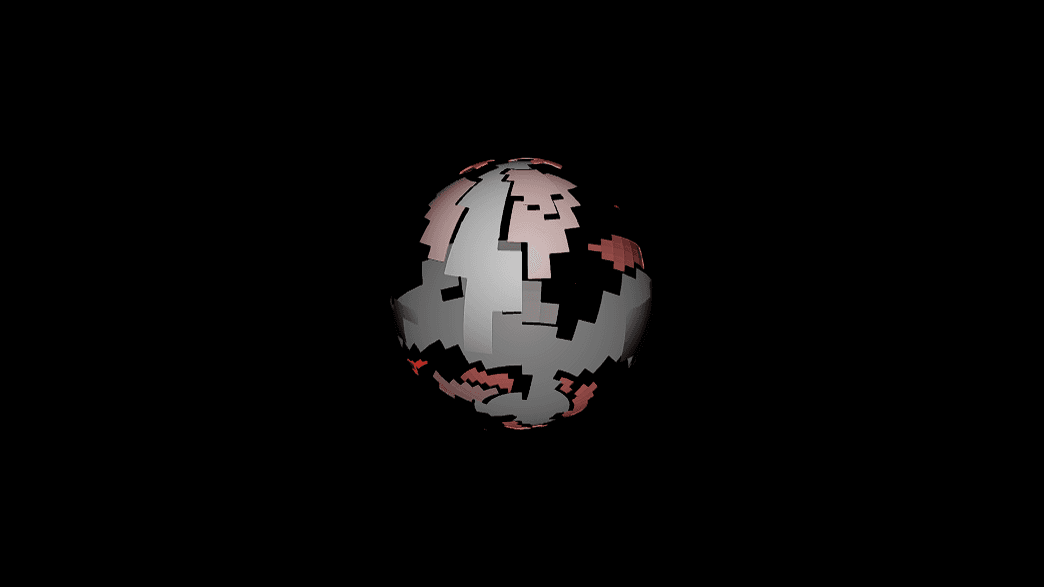
- Seeds are random by default, or click polygons in the viewport to place them
- Spread shape, timing, and the look of the affected plates each have their own group, all with easing curves
- Found in the node graph under Surfaces → Deformers
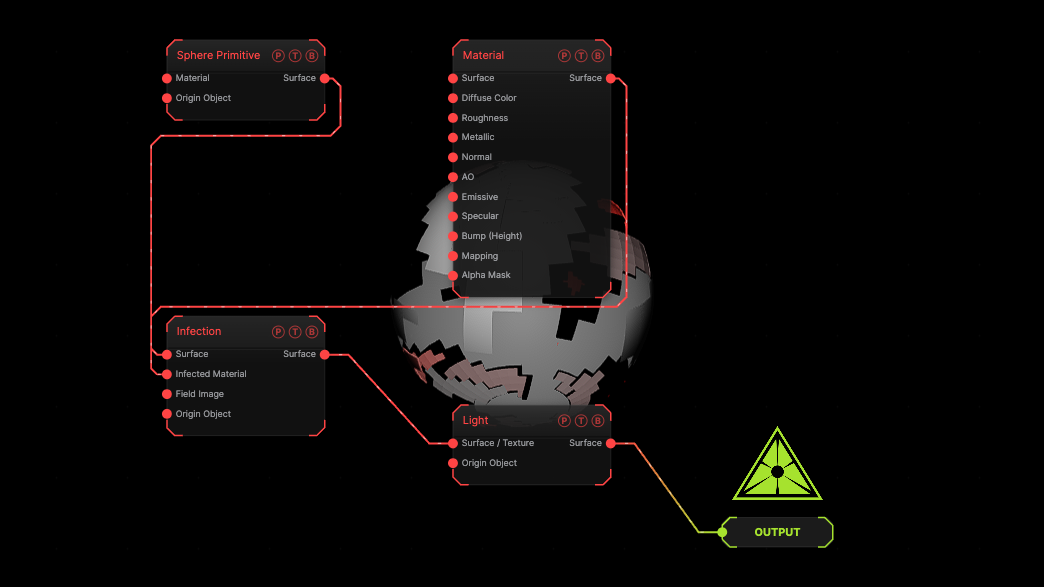
The image on the right is the example patch itself. Drag and drop it onto the app, or load it with File → Load, to open the full graph. A subdivided sphere is infected with a red emissive material at the default timing.
Inputs and outputs
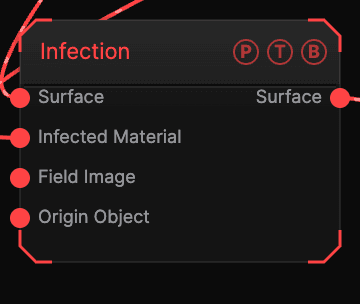
| Port | Type | Purpose |
|---|---|---|
| Surface | Surface | The mesh to infect. |
| Infected Material | Surface | The material the affected plates blend toward. |
| Field Image | Texture | The shared deformer field mask, limiting where the effect acts. |
| Origin Object | Surface | A Null to parent to. |
| Surface | Surface | The deformed mesh. |
Parameters
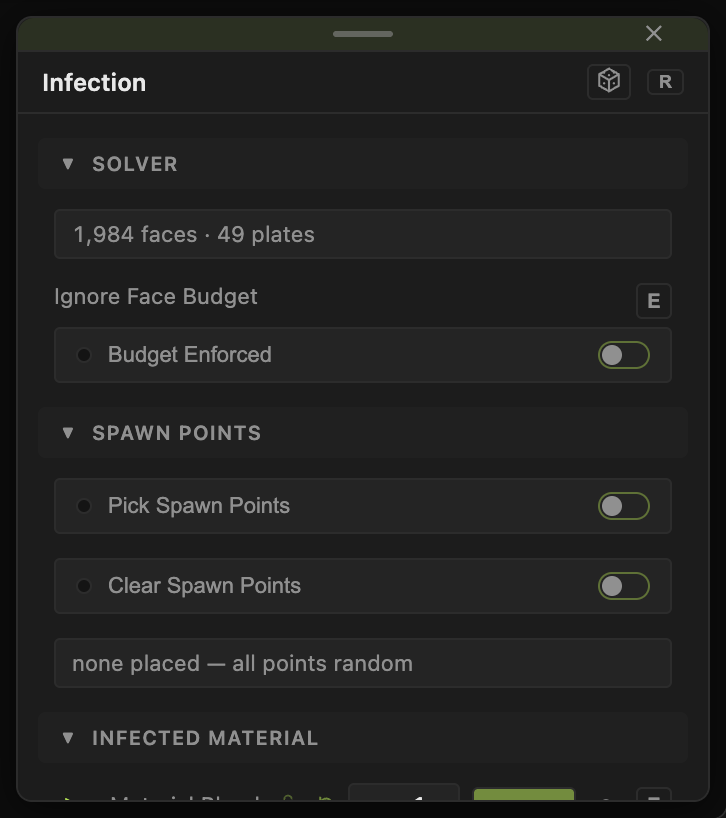
Solver
- Solver — a read-only status line. Ignore Face Budget runs the solve past the polygon ceiling.
- Irregularity (default 3), Seed Points (default 8), Random Seed (default 1), Clump Size (Polygons) (default 24) — how many outbreaks start and how ragged each plate is.
- Quad Polygons (default on), Solver Steps (default 24), Step Stagger (default 1), Step Multiplier (default 1) — the resolution of the spread and how its steps are spaced.
- Size Variance (default 0.35), Shape Variety (default 0.5) — variation between plates.
Spawn Points
- Spawn Point — click, then click polygons in the viewport to place seeds. Clear removes them. The readout lists how many are placed; with none, every seed is random.
Spread
- Direction Bias with Direction X / Y / Z (default 0, −1, 0) — pushes the spread along an axis. Curvature Bias favours ridges or hollows. Branching (default 0) and Spread Limit (default 0, unlimited).
- Incubation, Resistance, Superspreaders, Jitter Scale (default 0.12), Recovery Cycle and Infected Fraction (default 0.5) — the character of the contagion: delay before a plate turns, how hard it is to infect, hot spots, and whether plates recover.
Timing
- Islands — At the Same Time (default) or One After Another for multi-part meshes.
- Speed (default 1), Grow Time (s) (default 15), Hold (s) (default 0), Decay Time (s) (default 14), Decay Delay (s) (default 11).
- Replay (default on), Replay At (Same Points or New Points), Replay After (s).
Affected
- Edge Softness (default 0.25), Affected Scale (default 0), Affected Thickness (default 0.05), Affected Move (default 0.1), Affected Rotate (default 0), Affected Randomness — how the infected plates look and how far they lift.
- Rotate Mode — Peel (From Seed) or Spin (Normal).
- Material Blend (default 1) — how far the plates go toward the Infected Material.
Easing
Each animated channel has an Ease dropdown (Linear, Ease In, Ease Out, Smooth, Snap, Overshoot where it applies, Custom Curve) with an Ease Amount and a curve editor.
Highlight Growth and Highlight Color draw the spread in the viewport for setup; they never reach the output.
The floats carry a per-parameter animation bar. The solve is cached per project, so reopening a patch does not resolve it.
Examples
Rust bloom — a rough brown material into Infected Material, Affected Move 0.02, Grow Time 30.
Shatter and lift — Affected Move 0.4, Affected Rotate 40, Rotate Mode Peel, Replay off.
Troubleshooting
Nothing happens — the effect runs on a timer. Check that global playback is running and Grow Time is not 0.
Plates appear where I do not want them — place seeds with Spawn Point, or wire a Field Image to mask the area.