Auragen docs
Auragen docs

Getting Started

OverviewInterfaceNode GraphParameters and Controls

Operators

Surfaces

Geometry

PrimitiveMeshImage PlaneExtrude3D GraphReflectorKinect MeshMergeNullCopy GeometryRealizeSwitch (Surface)

Materials

MaterialGlass MaterialBlend MaterialsMapping

Deformers

Transform DeformerNoise DisplaceTexture DisplaceCurl NoiseTurbulence3D PlasmaTwistBendTaperShearWave / RippleRipple (Expanding)SineOcean WaveInflateSpherifyBulgeFlatten (Plain)PushQuantizeDistortion / GlitchBevelMirrorSliceCullColor RampParticle DeformerAudio (FFT)InfectionIsland ClonerCloth Deformer

Physics

Force Affector

Topology

SubdivideSmoothDecimateRemeshBooleanClose HolesExtrude FacesSeparate FacesWireframeFlip Polygons

Lighting

LightSpotlightDirectional LightArea LightEnvironment

Camera

CameraMulticamUV Camera
3D PreviewperformMODE
3D & SimulationSurface Operators

Decimate

Reduces the triangle count.

The Decimate node removes triangles while keeping the shape.
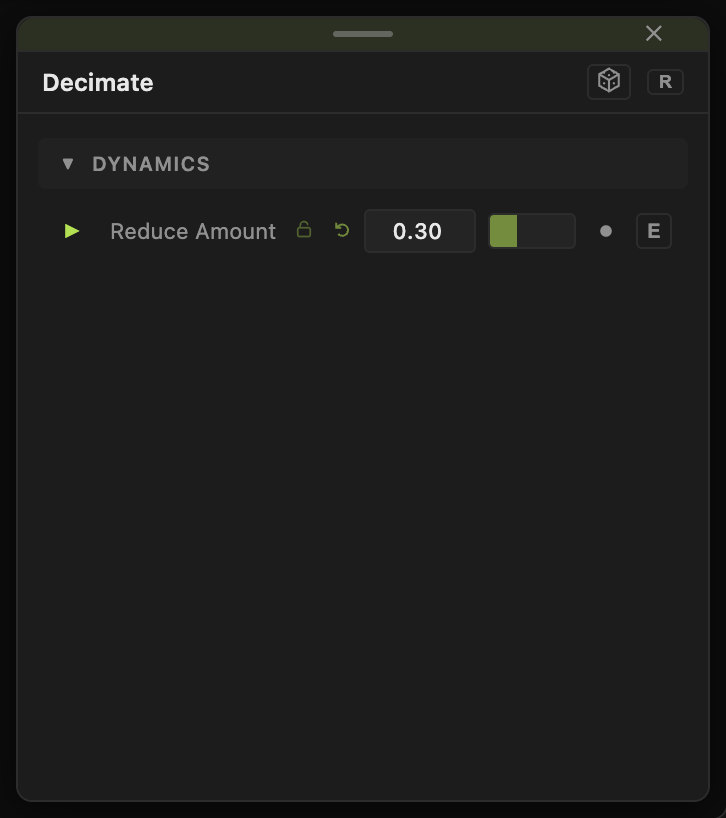
Decimate

  • One control, Reduce Amount
  • Found in the node graph under Surfaces → Topology
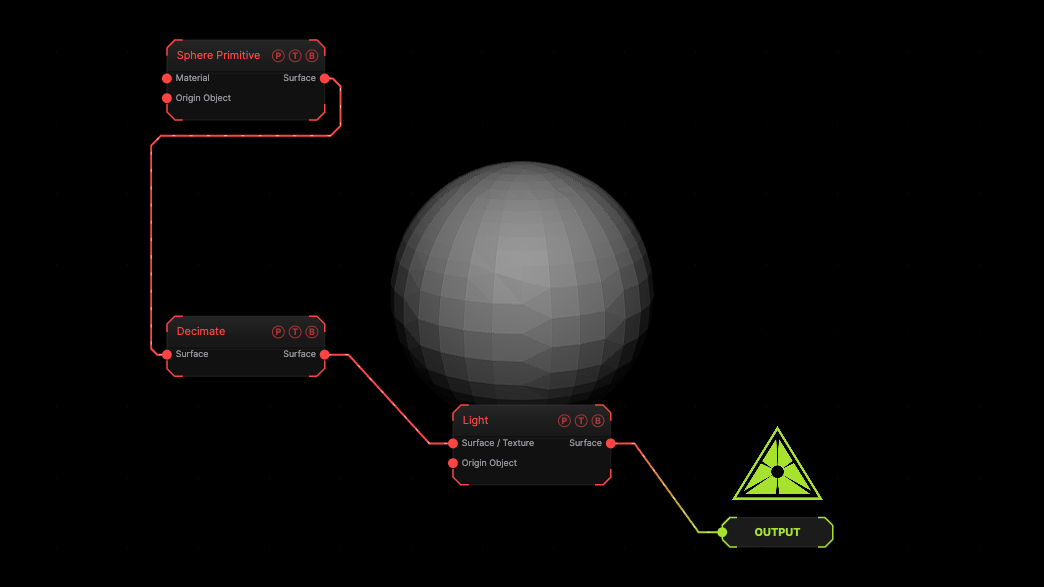
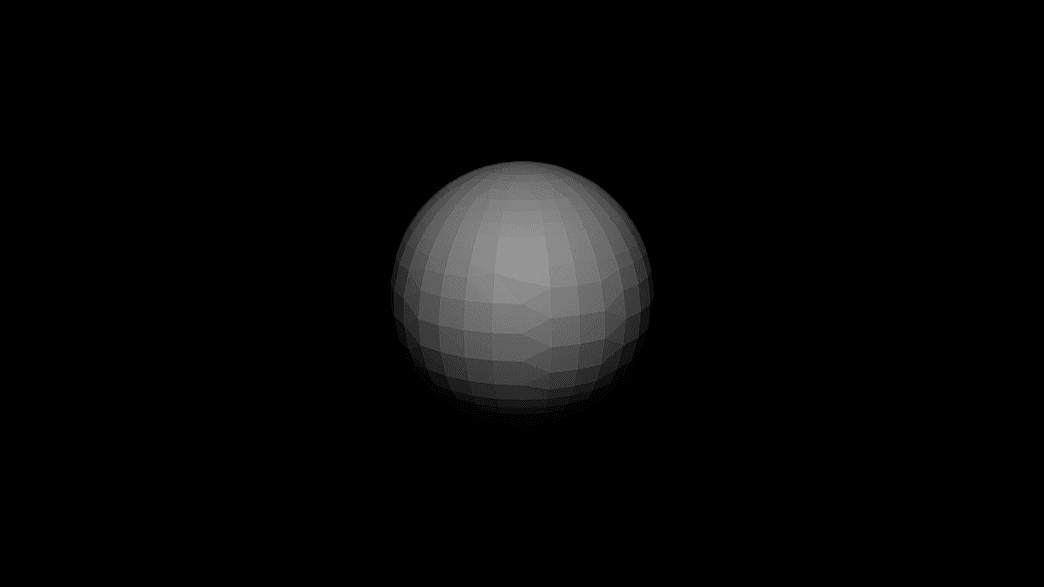
Example patch — drag onto the app to load

The image on the right is the example patch itself. Drag and drop it onto the app, or load it with File → Load, to open the full graph. A subdivided sphere reduced by 30 %.

Inputs and outputs
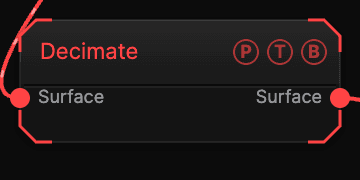
Decimate node

PortTypePurpose
SurfaceSurfaceThe mesh.
SurfaceSurfaceThe result.

Parameters

Decimate parameters
  • Reduce Amount (0–0.95, default 0.3) — the fraction of triangles removed.

Every slider has a per-parameter animation bar, so it can be animated, audio driven, or MIDI mapped.

Examples

Low poly — Reduce Amount 0.9 with Flat Shading on the Material.

Troubleshooting

Holes appear — lower Reduce Amount.

Related

Remesh

Even faces at a size.

Smooth

Laplacian relaxation of vertex positions.

Remesh

Rebuilds a mesh with even triangles or quad-dominant faces at a chosen edge size, keeping its shape, open edges, and hard edges.

On this page

Inputs and outputsParametersExamplesTroubleshootingRelated