3D & SimulationSurface Operators
Extrude Faces
Insets and extrudes faces, optionally at random and in clusters, with side walls, thickening, noise extrusion, and hiding.
The Extrude Faces node pushes faces out of the surface. Cluster and random controls make panels, and Noise Extrude animates them.
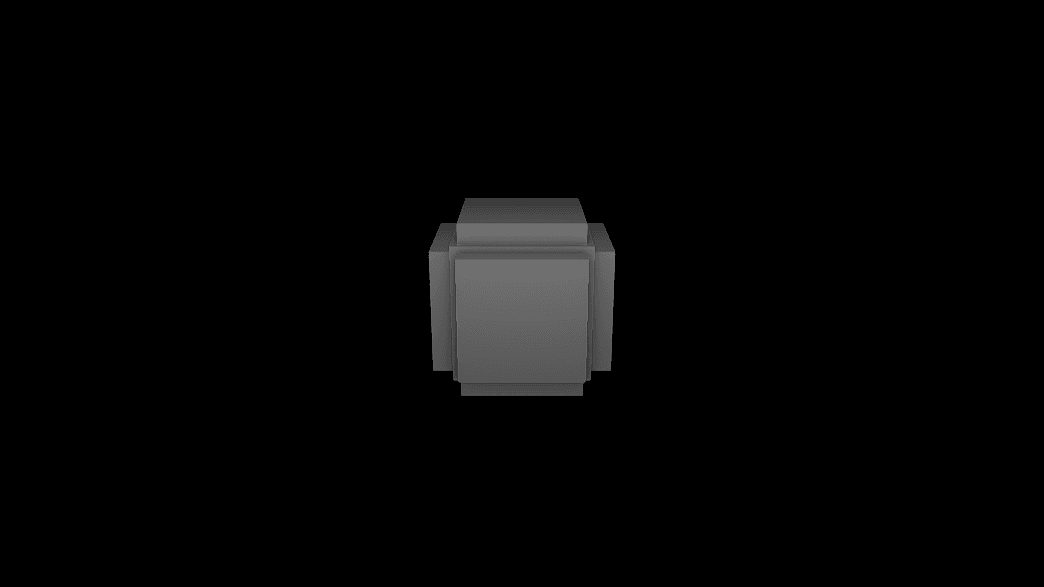
- Offset, Inset, Iterations
- Merge Faces clusters, Random Extrude, Random Hide
- Show Sides, Thicken, Extrude Sides, Shade Sides
- Noise Extrude animation
- Found in the node graph under Surfaces → Topology
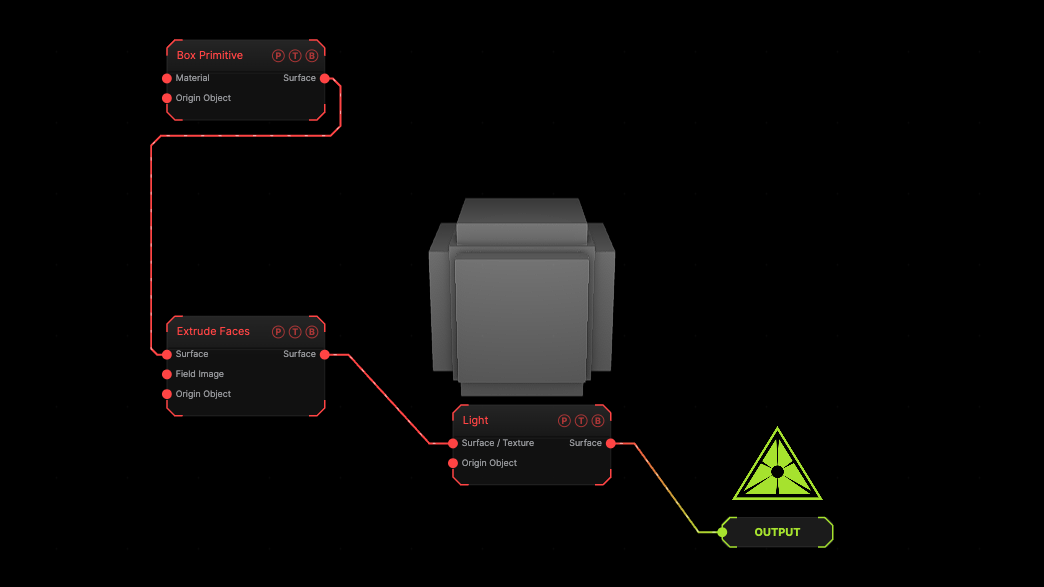
The image on the right is the example patch itself. Drag and drop it onto the app, or load it with File → Load, to open the full graph. A box with its faces extruded at the defaults.
Inputs and outputs
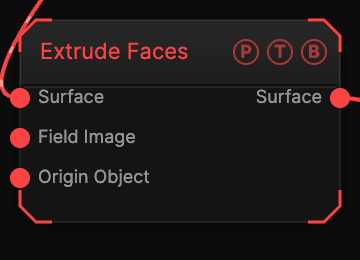
| Port | Type | Purpose |
|---|---|---|
| Surface | Surface | The mesh. |
| Surface | Surface | The result. |
Parameters
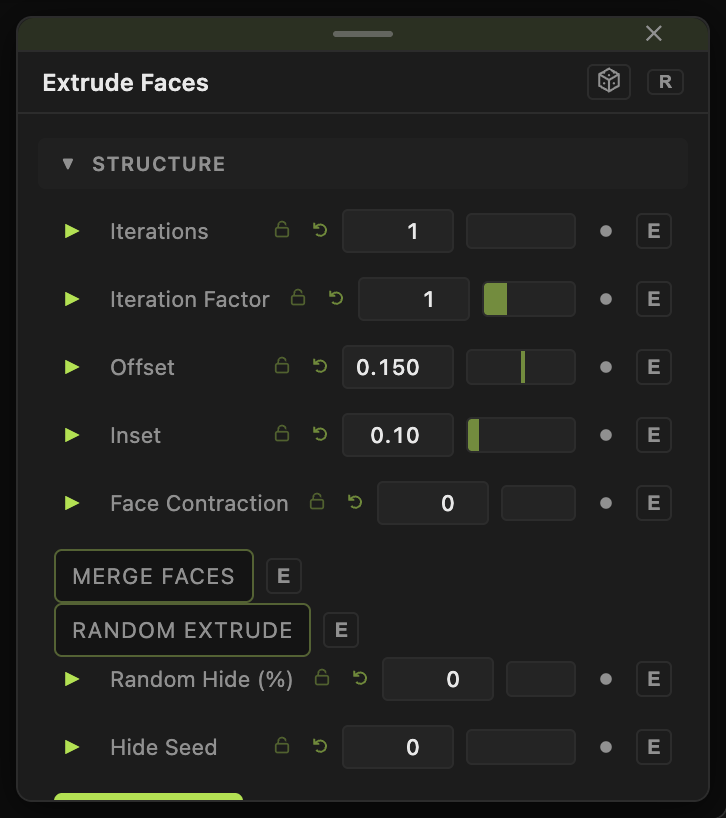
- Iterations (1–8, default 1), Iteration Factor, Offset (−2 to 2, default 0.15), Inset (0–0.95, default 0.1), Face Contraction.
- Merge Faces with Min / Max Cluster Size, Merge Seed, Reseed Iterations, Piece Direction, Complex Shapes, Complex Shape Chance (%).
- Random Extrude with Random Amount (%) and Seed; Random Hide (%) with Hide Min / Max Size and Hide Seed.
- Show Sides (default on), Thicken, Thicken Variance, Thicken Contraction.
- Extrude Sides with Side Inset, Side Offset, Side Min / Max Cluster, Side Subdiv X (Along), Side Subdiv Y (Up).
- Shade Sides with Side Color, Side Blend, Side Roughness, Side Metalness.
- Noise Extrude with Variance, Noise Scale, Contrast, Animation Speed.
Every slider has a per-parameter animation bar, so it can be animated, audio driven, or MIDI mapped.
Examples
Greeble — a subdivided Box, Merge Faces on, Random Extrude on, Random Amount 60.
Troubleshooting
Faces overlap — lower Offset or raise Inset.