Auragen docs
Auragen docs

Getting Started

OverviewInterfaceNode GraphParameters and Controls

Operators

Surfaces

Geometry

PrimitiveMeshImage PlaneExtrude3D GraphReflectorKinect MeshMergeNullCopy GeometryRealizeSwitch (Surface)

Materials

MaterialGlass MaterialBlend MaterialsMapping

Deformers

Transform DeformerNoise DisplaceTexture DisplaceCurl NoiseTurbulence3D PlasmaTwistBendTaperShearWave / RippleRipple (Expanding)SineOcean WaveInflateSpherifyBulgeFlatten (Plain)PushQuantizeDistortion / GlitchBevelMirrorSliceCullColor RampParticle DeformerAudio (FFT)InfectionIsland ClonerCloth Deformer

Physics

Force Affector

Topology

SubdivideSmoothDecimateRemeshBooleanClose HolesExtrude FacesSeparate FacesWireframeFlip Polygons

Lighting

LightSpotlightDirectional LightArea LightEnvironment

Camera

CameraMulticamUV Camera
3D PreviewperformMODE
3D & SimulationSurface Operators

Wireframe

Turns every edge into a tube and every vertex into an optional joint.

The Wireframe node rebuilds the mesh as tubes along its edges.
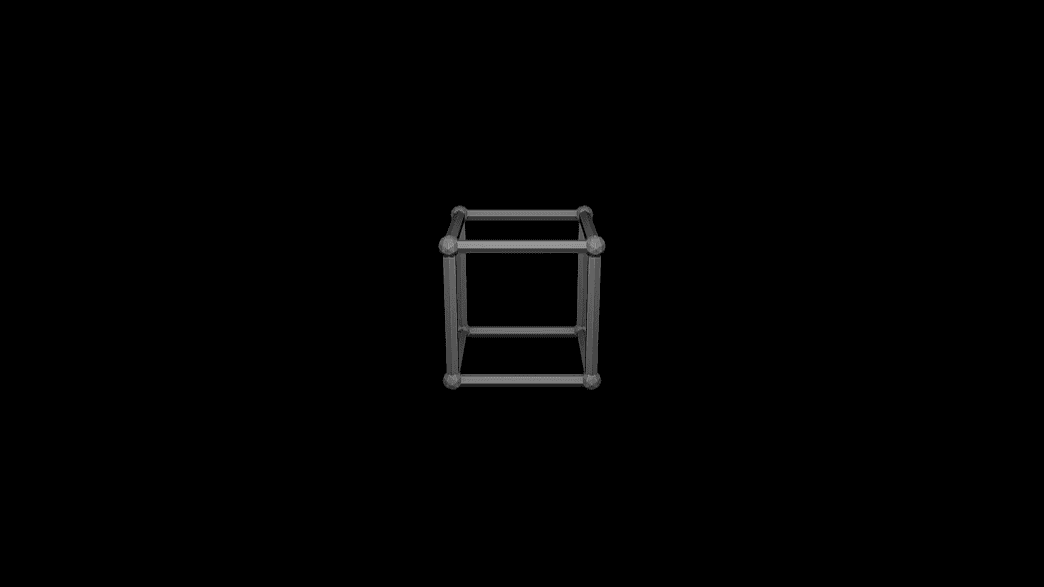
Wireframe

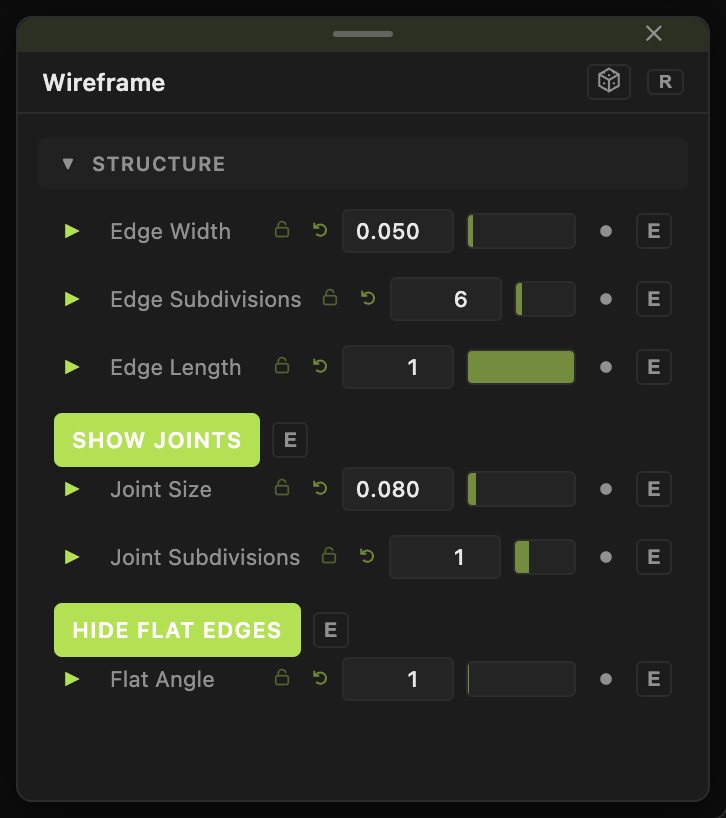
  • Edge Width, Show Joints, Hide Flat Edges
  • Found in the node graph under Surfaces → Topology
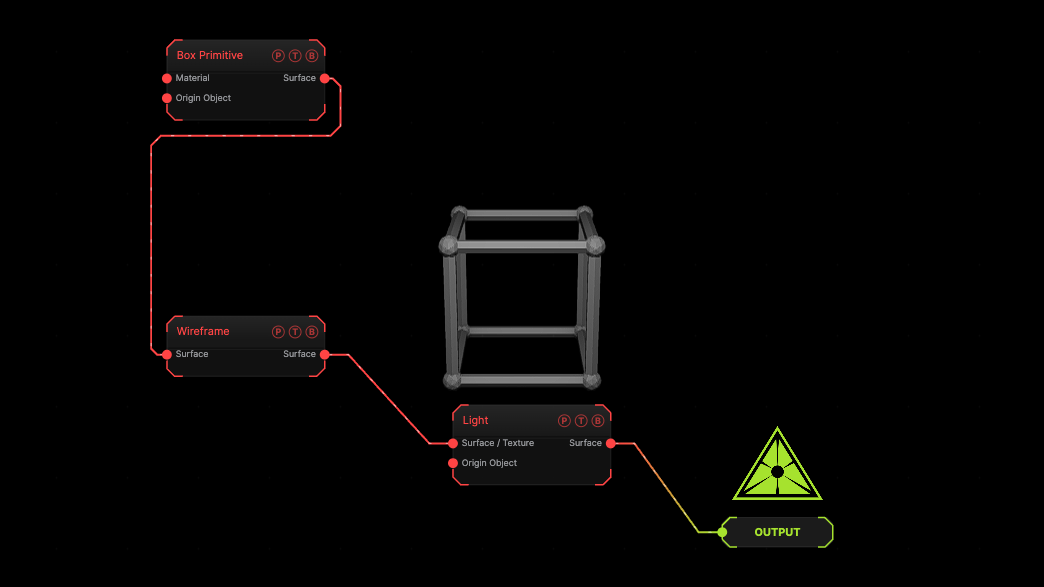
Example patch — drag onto the app to load

The image on the right is the example patch itself. Drag and drop it onto the app, or load it with File → Load, to open the full graph. A box as tubes.

Inputs and outputs
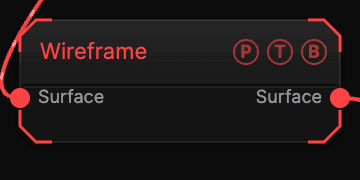
Wireframe node

PortTypePurpose
SurfaceSurfaceThe mesh.
SurfaceSurfaceThe result.

Parameters

Wireframe parameters
  • Edge Width (0.001–1, default 0.05), Edge Subdivisions (3–32, default 6), Edge Length (0.05–1, default 1).
  • Show Joints (default on), Joint Size (default 0.08), Joint Subdivisions.
  • Hide Flat Edges (default on), Flat Angle (0–90, default 1).

Every slider has a per-parameter animation bar, so it can be animated, audio driven, or MIDI mapped.

Examples

Cage — a subdivided Sphere, Edge Width 0.02, Show Joints off.

Troubleshooting

Too many tubes — the mesh is dense. Decimate first, or raise Flat Angle.

Related

Decimate

Fewer edges.

Separate Faces

Detaches each face and moves it along its normal.

Flip Polygons

Reverses winding and normals. No field, no transform.

On this page

Inputs and outputsParametersExamplesTroubleshootingRelated