3D & SimulationCloners
Audio Effector
Live audio level scales the transform, per band or swept across the array by index.
The Audio Effector moves clones with the microphone or audio input level. Band Sweep maps the clone index to the spectrum, which turns a row into an equaliser.
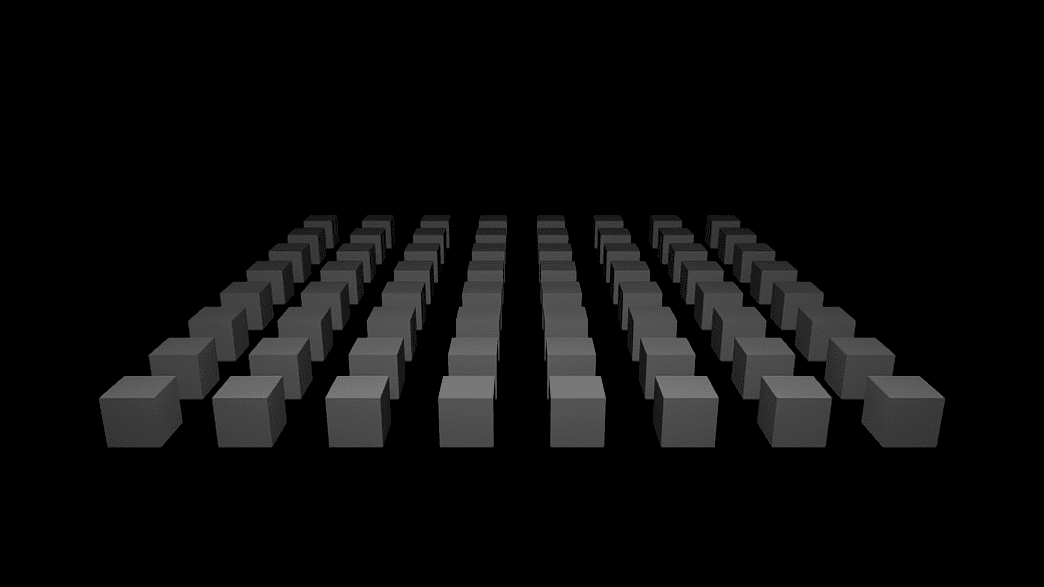
- Band presets or a custom Hz region
- Band Sweep (index → spectrum)
- Gain and Decay
- Found in the node graph under Cloners → Effectors
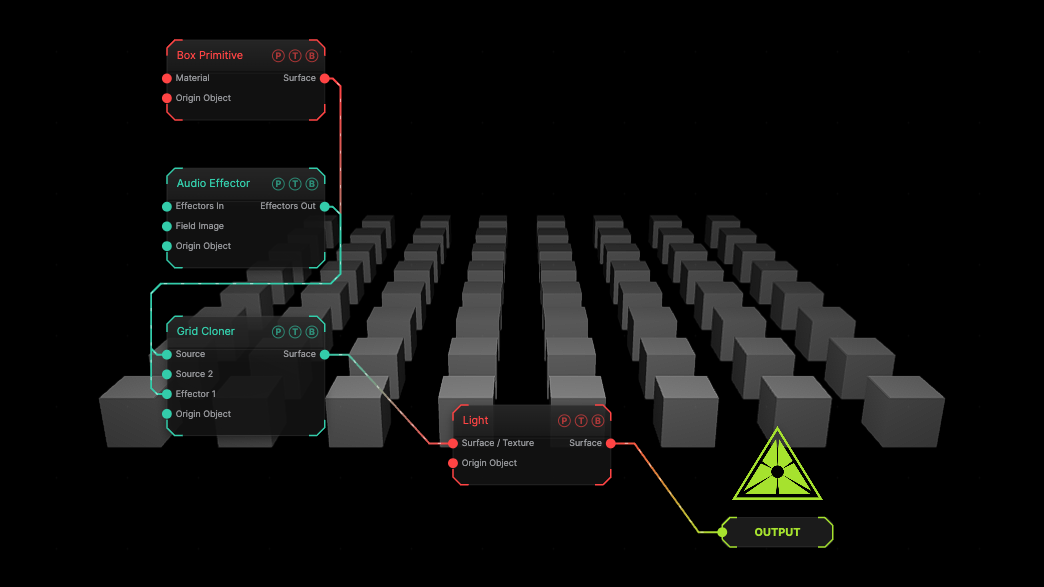
The image on the right is the example patch itself. Drag and drop it onto the app, or load it with File → Load, to open the full graph. The default bass band on a grid; nothing moves until audio is running.
Inputs and outputs
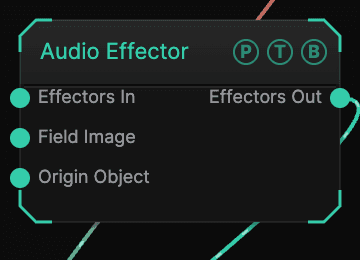
| Port | Type | Purpose |
|---|---|---|
| Effectors In | Effector | The previous effector in the chain. |
| Field Image | Texture | A texture read by the Image field shape. |
| Origin Object | Surface | A Null to parent to. |
| Effectors Out | Effector | Wire into the next effector or a cloner's Effector port. |
Parameters
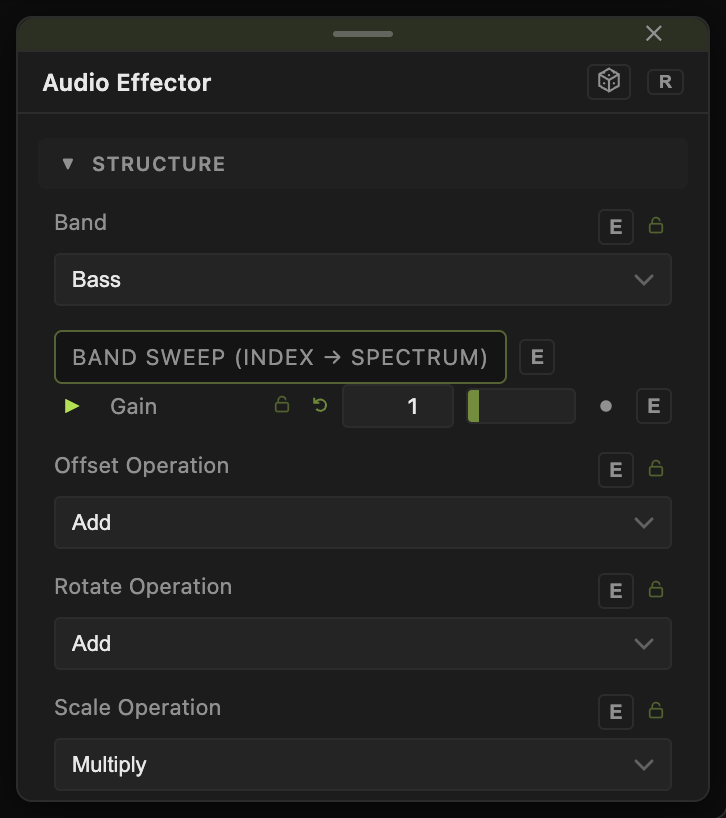
- Band — Bass (default), Low Mid, Mid, High Mid, High, Full, or Custom Region (Hz) with Region Low Hz (default 200) and Region High Hz (default 800).
- Band Sweep (index → spectrum) (default off).
- Gain (0–10, default 1), Decay (0–0.99, default 0.85).
- Offset X / Y / Z (Audio) (default 0, 1, 0), Rotate (Audio), Scale (Audio) channels.
- Offset Operation, Rotate Operation, Scale Operation — how each channel folds into the clone transform: Add (default for offset and rotation), Multiply (default for scale), or the other operations in the list.
Field and clamp
- Field (default off), Field Shape, Field Size, Falloff, Inner Radius, Invert Field, Field Follows Mouse, Image Channel, and the Field Position / Heading / Pitch / Roll / Scale block limit where the effector acts.
- Clamp (default off) with Max Offset (default 5), Max Rotation (default 180), Min Scale (default 0), Max Scale (default 4).
- Highlight Field and Highlight Color draw the field in the viewport.
Every slider has a per-parameter animation bar, so it can be animated, audio driven, or MIDI mapped.
Examples
Spectrum bars — a Linear Cloner of 32 boxes, Band Sweep on, Scale Y (Audio) 3.
Troubleshooting
Nothing moves — audio input must be running. See Audio Reactive.