MIDI Dashboard
Draws routed knobs, pads, and faders on the node and outputs each as a modifier, for many parameters from one surface.
The MIDI Dashboard node is a performance surface. Each bank control is an output port; route it to a parameter and the control appears on the node, moves with incoming MIDI, and responds to the mouse.
- Knobs, pads, and faders, eight per bank
- Every control is its own output; one knob can feed several parameters
- Right-click a control for its behaviour menu
- Found in the node graph under Modifiers → Interactive
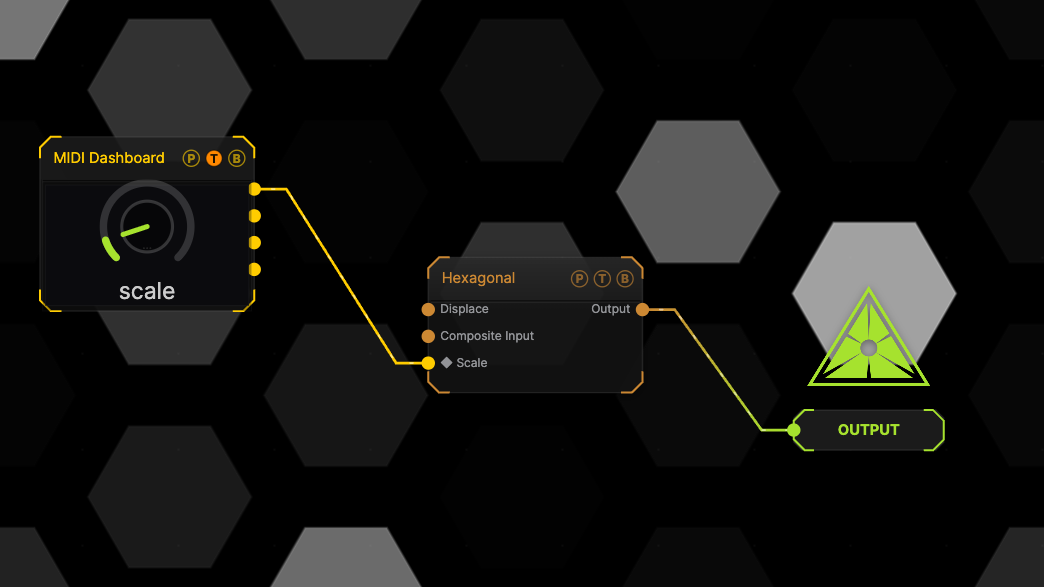
The image on the right is the example patch itself. Drag and drop it onto the app, or load it with File → Load, to open the full graph. One dashboard knob bound to the generator Scale.
Inputs and outputs

| Port | Type | Purpose |
|---|---|---|
| Control outputs | Modifier | One port per routed control. Drag a port onto a parameter to route it. |
Parameters
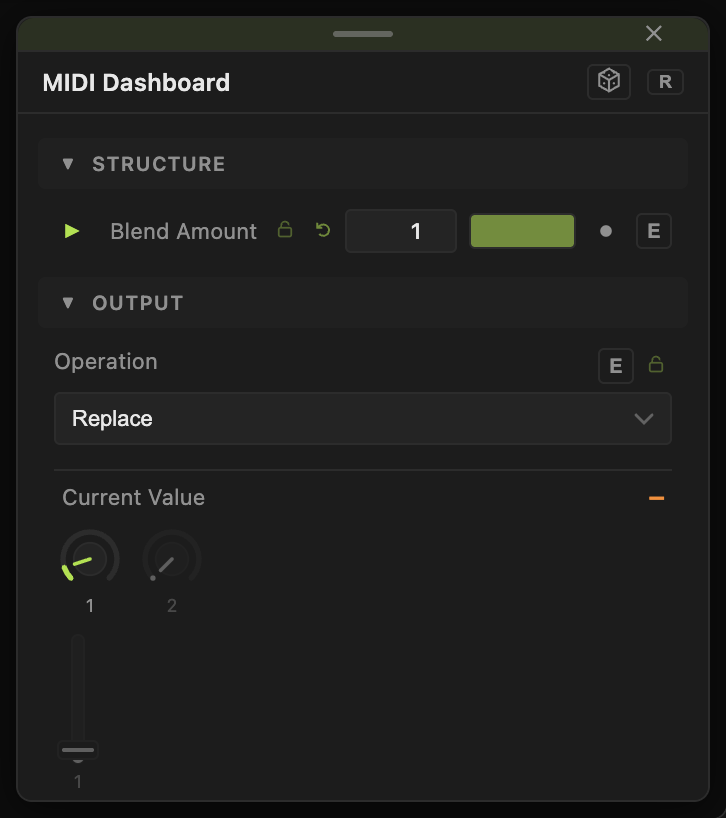
The node has no parameter list of its own; each control carries its own settings, opened by right-clicking it on the node. Controls respond to drag, tap, and double-click reset. The node is resizable.
Every slider has a per-parameter animation bar and can itself be driven by another modifier.
Examples
Eight-knob rig — route eight knobs to eight parameters, then map the bank to a controller in performMODE.
Troubleshooting
A control shows but nothing moves — it is not routed. Drag its output port onto a parameter.