Hologram
A self-contained instanced-sphere hologram of a wired mesh, with its own camera, lights, and material.
The Hologram node is not part of the Particle System hub. Wire a mesh in and it renders a cloud of tiny spheres on the surface, with its own camera, lighting, noise, and mouse interaction.
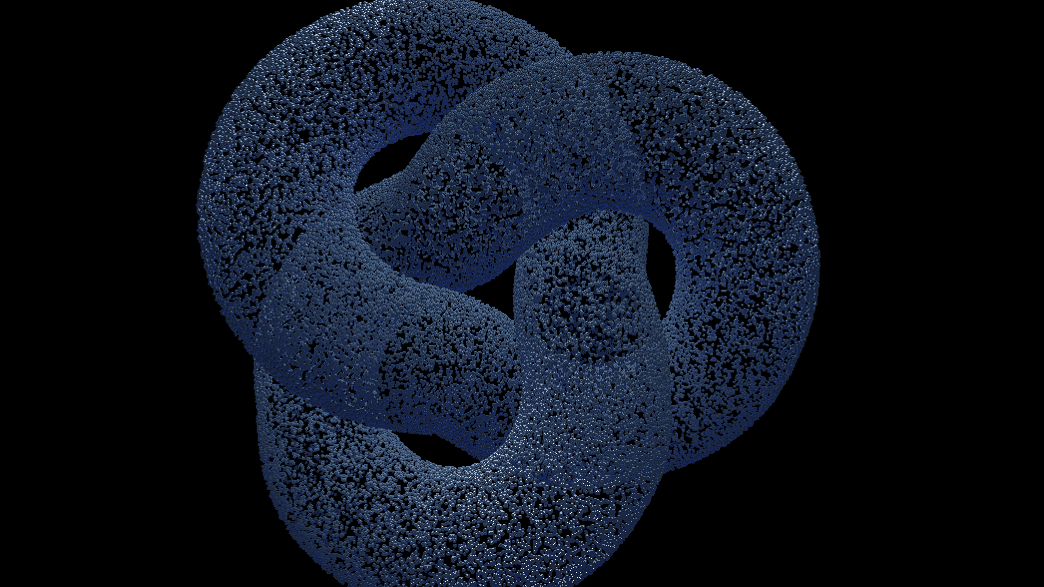
- Particle Count, Sphere Size, 3D Model or a wired Mesh
- A built-in camera with Flight, Orbit, and Auto modes
- Mouse interaction that pushes particles and glows
- Found in the node graph under Particles → Hologram
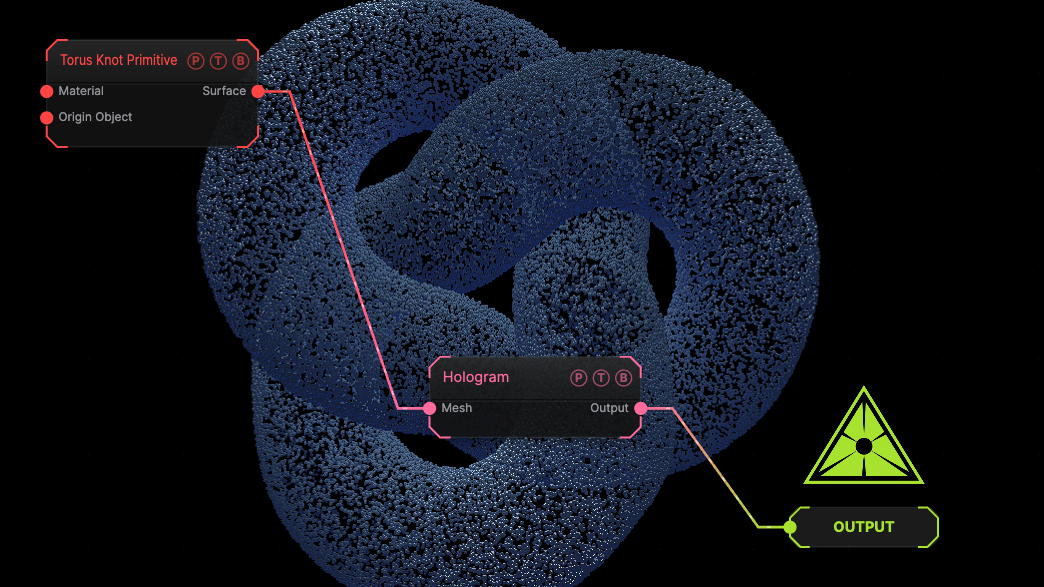
The image on the right is the example patch itself. Drag and drop it onto the app, or load it with File → Load, to open the full graph. A Torus Knot Primitive wired into the Mesh port.
Inputs and outputs
| Port | Type | Purpose |
|---|---|---|
| Mesh | Surface | The surface to sample. Wins over the loaded model. |
| Output | Texture | The rendered hologram. |
Parameters
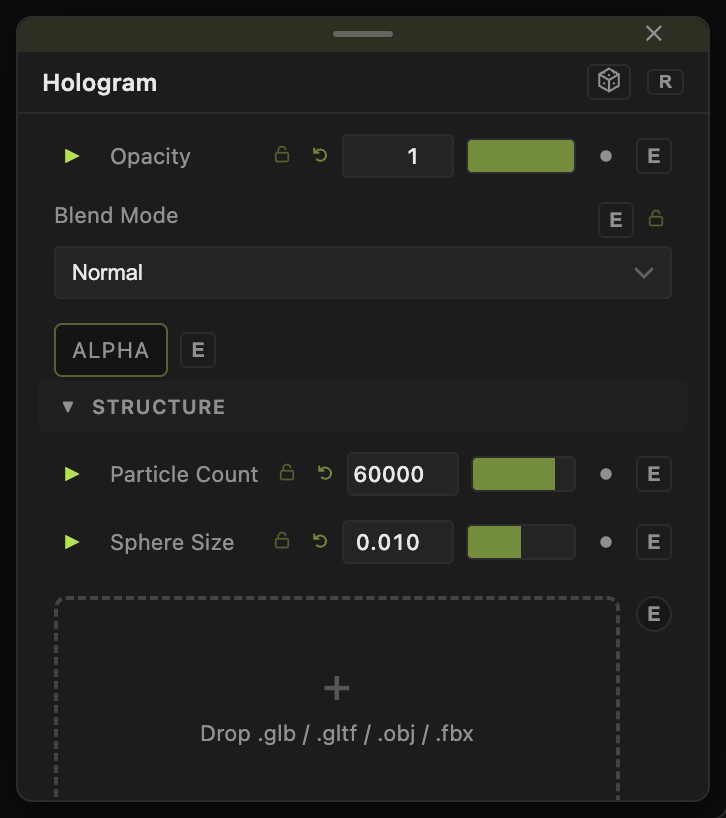
Opacity, Blend Mode, and Alpha are the standard operator header.
- Particle Count (default 60000), Sphere Size (default 0.01).
- 3D Model file with Model Scale and Model X / Y / Z (default 0, 1, 0).
- Camera Mode (default Flight), Camera Distance (default 4), Camera Yaw / Pitch, Camera FOV (default 40), Target X / Y / Z, Mouse Sensitivity, Flight Speed (default 8), Rotation Smoothness and Translation Smoothness (default 0.3), Auto-Rotate Speed (default 0.8).
- Float Amp (default 0.01), Noise Amp (default 0.08), Noise Scale (default 0.6), Noise Speed (default 0.15), Noise Gain (default 0.5), Mask Scale, Mask Speed, Mask Contrast — the idle drift and the moving mask.
- Mouse Enabled (default on), Mouse Radius (default 1.5), Mouse Strength (default 0.6), Mouse Scatter (default 0.6), Spring Stiffness (default 5), Spring Damping (default 3), Push Strength (default 12), and the Mouse Glow colour, passive and active levels, power, and decay.
- Base Color (default
#8aa0b8), Ambient, Wrap, Volume Strength, Metalness, Roughness, Specular Strength. - Wireframe (default off) with Wireframe Thickness, Wireframe Color, Wireframe Opacity.
- Light 1 and Light 2 position, colour, and intensity.
Every slider has a per-parameter animation bar, so it can be animated, audio driven, or MIDI mapped.
Examples
Scan — a loaded model, Wireframe on, Auto-Rotate Speed 0.4.
Troubleshooting
The camera does not respond — the node has its own camera. Set Camera Mode to Flight and hover the viewport.