3D & SimulationParticles
Attractor Effector
A point that pulls or pushes particles with radial falloff, and can follow the cursor.
The Attractor Effector is a single point of gravity. Positive strength pulls, negative pushes, and Follow Mouse puts it under the pointer.
- Strength signed, Radius falloff
- Follow Mouse
- Found in the node graph under Particles → Effectors
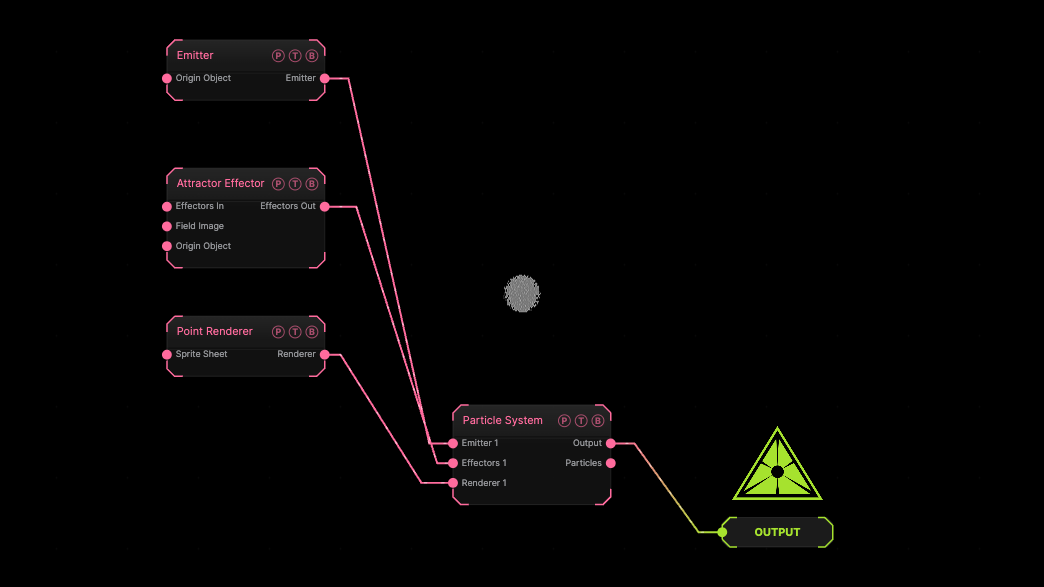
The image on the right is the example patch itself. Drag and drop it onto the app, or load it with File → Load, to open the full graph. The default attractor at the origin.
Inputs and outputs
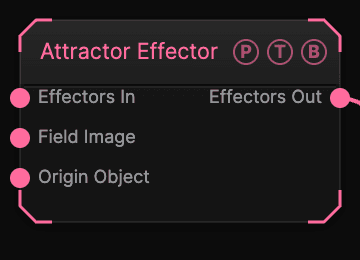
| Port | Type | Purpose |
|---|---|---|
| Effectors In | Effector | The previous effector in the chain, if any. |
| Field Image | Texture | A texture read by the Image field shape. |
| Origin Object | Surface | A Null to parent the effector to. |
| Effectors Out | Effector | Wire it into the next effector, or into the Particle System's Effectors port. |
Parameters
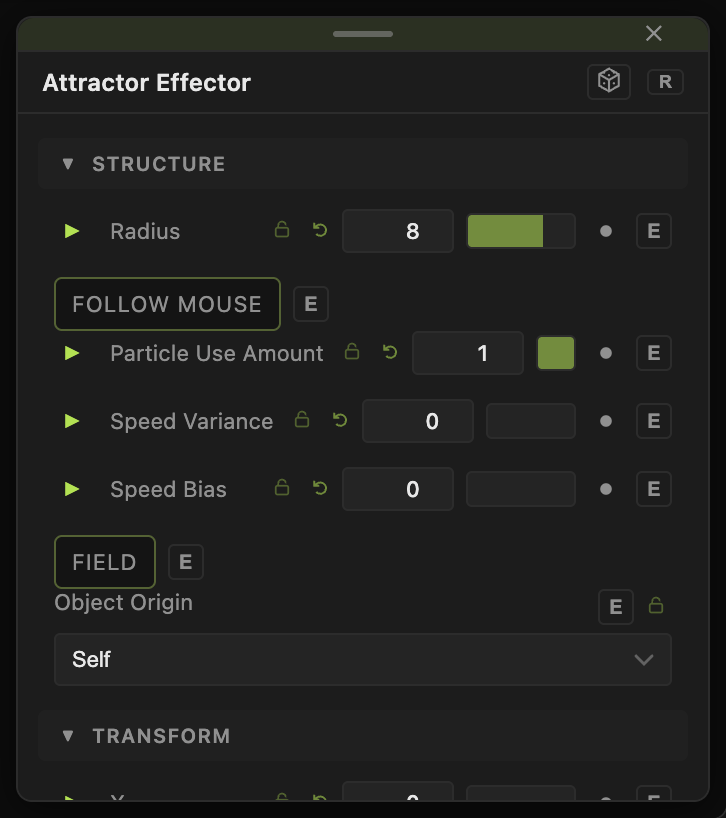
- X, Y, Z (−30 to 30, default 0).
- Strength (−40 to 40, default 8). Negative repels.
- Radius (0.1–50, default 8).
- Follow Mouse (default off).
- Mass Influence (0–1, default 0).
- Particle Use Amount (0–1, default 1) — the share of particles this effector acts on. Two effectors with the same amount act on different particles.
- Speed Variance (0–4, default 0) and Speed Bias (−1 to 1, default 0) — scatter the force per particle.
Field
- Field (default off) — limits the effector to a region. Field Shape (Sphere, Box, Plane, Image), Field Size (default 3), Falloff (default 0.5), Inner Radius, Invert Field, Field Follows Mouse, and Image Channel for the Image shape. The Field Position / Heading / Pitch / Roll / Scale block places it.
Every slider has a per-parameter animation bar, so it can be animated, audio driven, or MIDI mapped.
Examples
Orbit — this effector plus a Drag Effector at 0.1 and an initial sideways Wind Effector burst.
Troubleshooting
Nothing moves. The effector's Effectors Out must reach the Particle System's Effectors port, directly or through the last effector in a chain.