3D & SimulationParticles
Sprite Renderer
The flat renderer built around animated sprite sheets.
The Sprite Renderer draws each particle as a cell of a sprite sheet, animated per particle.
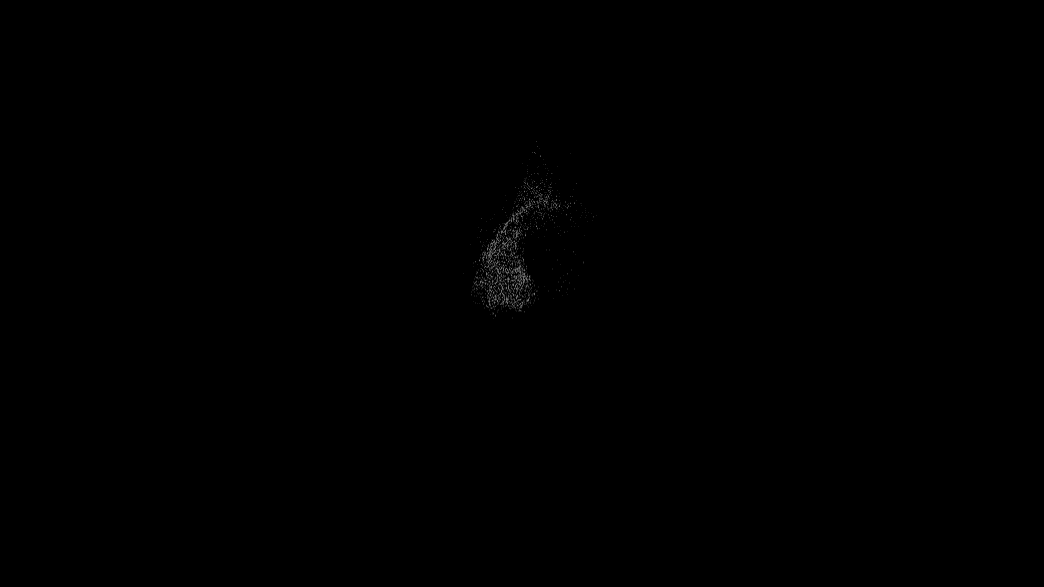
- Same flat pipeline as the Point Renderer
- Sheet Columns / Rows, Animation FPS, Playback
- Found in the node graph under Particles → Renderers
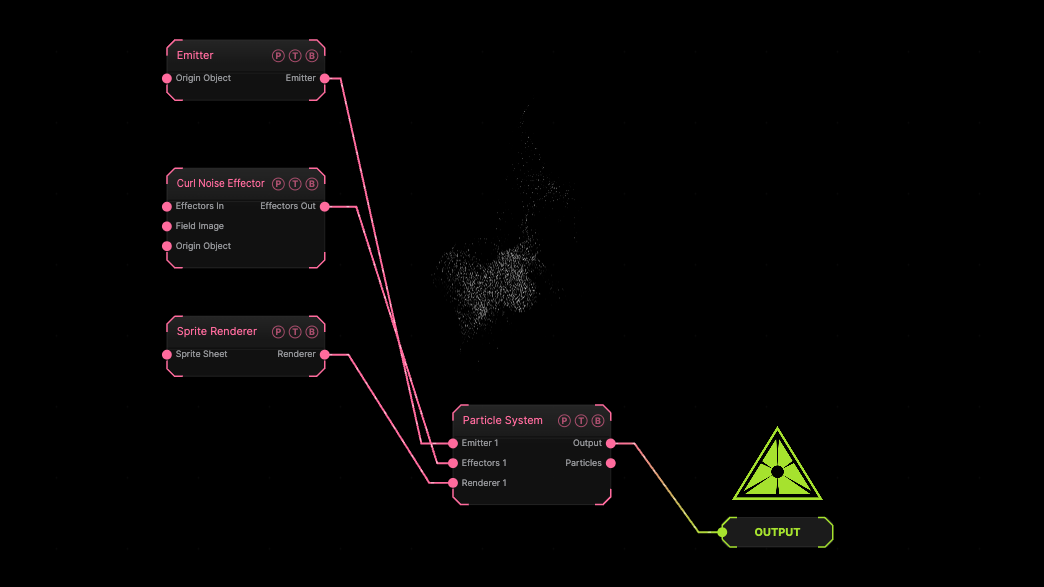
The image on the right is the example patch itself. Drag and drop it onto the app, or load it with File → Load, to open the full graph. A sphere emitter with a curl effector drawn as default sprites.
Inputs and outputs
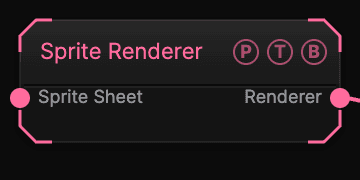
| Port | Type | Purpose |
|---|---|---|
| Sprite Sheet | Texture | The sheet. |
| Renderer | Renderer | Wire it into the Particle System's Renderer port. |
Parameters
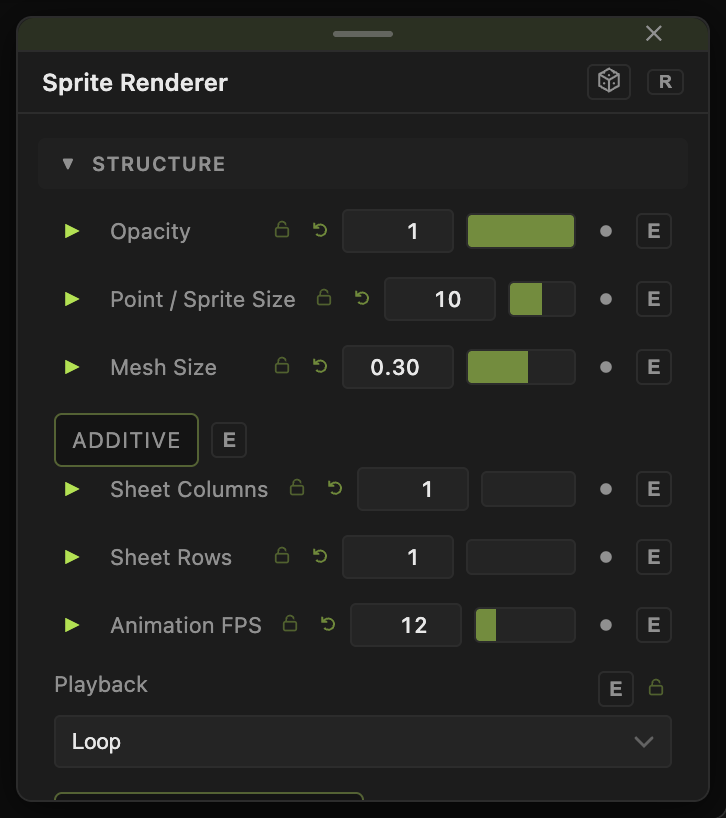
- Opacity (0–1, default 1), Point / Sprite Size (1–100, default 10), Size Random (0–1, default 0.6).
- Color Mode — Single (default), Gradient, Emitter Image, or Colorize Effector; Color (default
#b8b8b8). - Gradient By and Gradient Cycles (default 1) for the Gradient mode, with Edge Softness.
- Additive (default off), Echo (default off) with Echo Decay (0.5–0.99, default 0.9).
- Shadows (default off), Shadow Strength (default 0.6), Shadow Bias.
Sprite sheet
- Sheet Columns and Sheet Rows (1–32, default 1), Animation FPS (0–60, default 12), Playback (Loop default, Ping-Pong, Play Once (Life), Random Cell), Random Start Frame, Frame Offset, Rotation Random.
Every slider has a per-parameter animation bar, so it can be animated, audio driven, or MIDI mapped.
Examples
Fire — a 4×4 flame sheet, Playback Play Once (Life), Additive on.
Troubleshooting
Every particle shows the whole sheet — set Sheet Columns and Sheet Rows.