Particle System
The hub of a particle chain: takes emitters, effectors, and renderers, simulates the particles on the GPU, and outputs the frame.
The Particle System node is where particles live. Emitters feed it, effectors push its particles around, and renderers draw them. Without at least one emitter and one renderer it outputs nothing.
- Particle Count, Lifetime, Die Rate, and Speed set the population
- A second output, Particles, feeds another system so particles spawn particles
- Found in the node graph under Particles → System
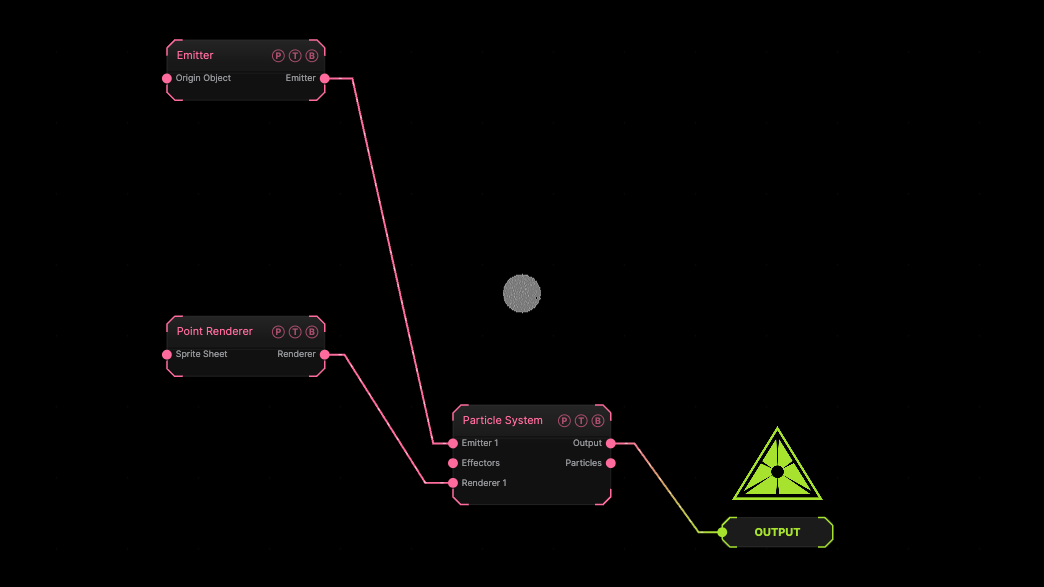
The image on the right is the example patch itself. Drag and drop it onto the app, or load it with File → Load, to open the full graph. A default Emitter and Point Renderer on a default system.
Inputs and outputs
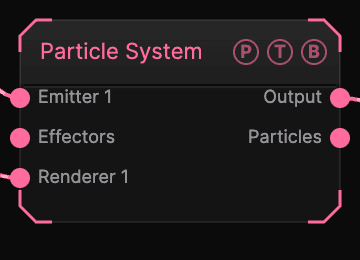
| Port | Type | Purpose |
|---|---|---|
| Emitter 1, 2, … | Emitter | One or more emitters. A new slot appears when the last is wired. |
| Effectors | Effector | The end of an effector chain. |
| Renderer 1, 2, … | Renderer | One or more renderers. |
| Output | Texture | The rendered frame. |
| Particles | Emitter | This system's live particles as an emitter payload for another Particle System. |
Parameters
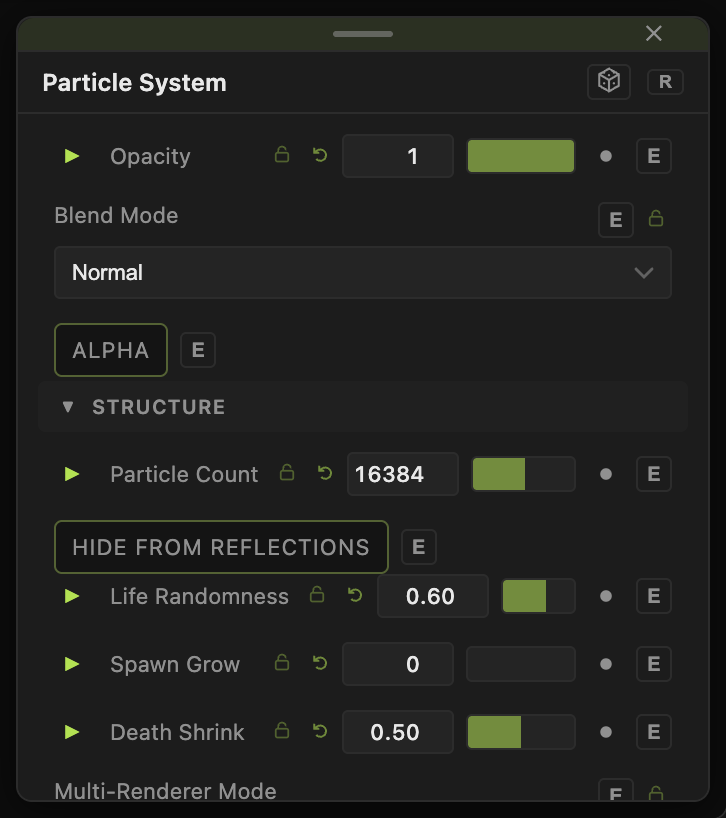
Opacity, Blend Mode, and Alpha are the standard operator header; see Parameters and Controls.
- Particle Count (100 up to the hardware limit, default 16384) — the budget. Counts above what the GPU can hold show a warning with the applied count.
- Hide From Reflections (default off).
- Die Rate (0.01–4, default 0.5) — how quickly particles reach the end of their life.
- Lifetime (0.1–60, default 1), Life Randomness (0–1, default 0.6).
- Spawn Grow (0–1, default 0) and Death Shrink (0–1, default 0.5) — size ramps at birth and death.
- Speed (0–8, default 1), Max Speed (0 = off) (0–20, default 0).
- Multi-Renderer Mode — Overlap (All Renderers) (default) draws every particle with every renderer; Iterate (Split Particles) gives each renderer a share.
- Density Grid Fit — Live Cloud (default) or Spawn Bounds: how the density grid used by colouring and collision fits the particles.
- Sub-Particle Spread (0–5, default 0) — spread of particles spawned from the Particles output.
Every slider has a per-parameter animation bar, so it can be animated, audio driven, or MIDI mapped.
Examples
Sparks from sparks — wire Particles into a second system's Emitter port with a short Lifetime.
Fog — Particle Count 200000, Lifetime 20, Die Rate 0.1, a Point Renderer with Softness 1.
Troubleshooting
The count is lower than I set — the GPU or the 2 GB memory budget capped it. The node shows the applied count.