SDF Lighting FX
Four chainable nodes — SDF Soft Shadows, SDF Ambient Occlusion, SDF Fog, SDF Specular — that switch a lighting feature on at the SDF Render node they reach.
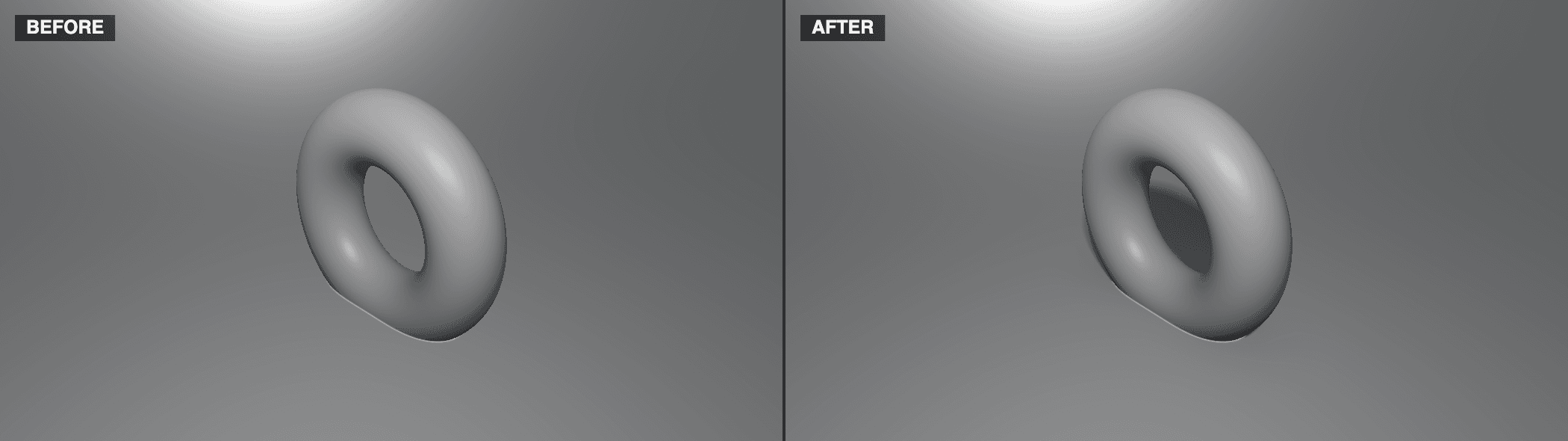
The four SDF lighting FX nodes are switches you can see in the graph. Place one in a light chain feeding SDF Render and the matching feature turns on; bypass it with B and the feature turns off.
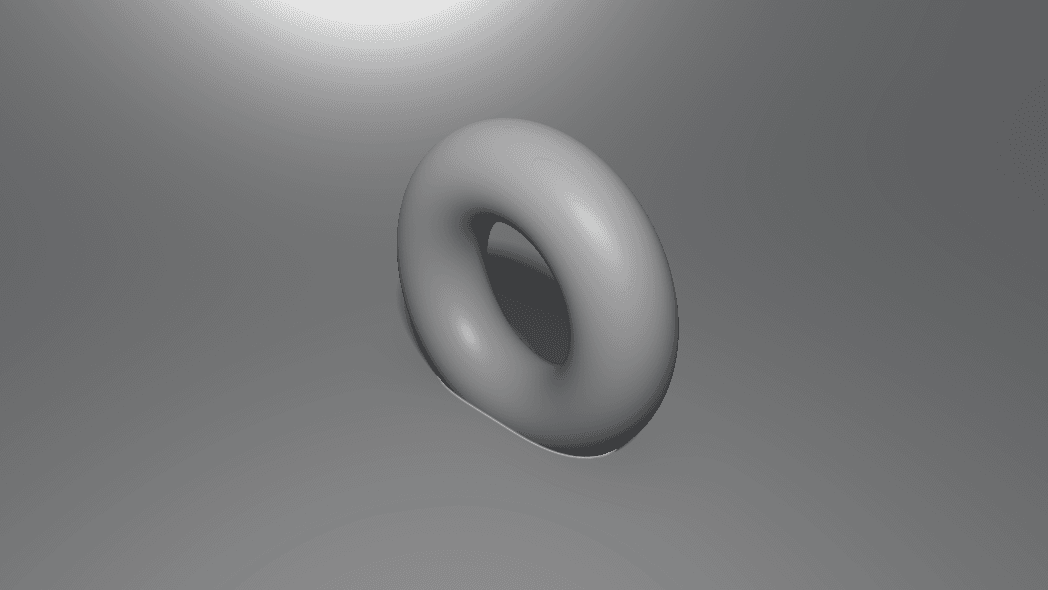
- SDF Soft Shadows, SDF Ambient Occlusion, SDF Fog, SDF Specular
- Each mirrors a group on the render node: edit the value on either side and both update
- Found under SDF → Shade in the operators panel
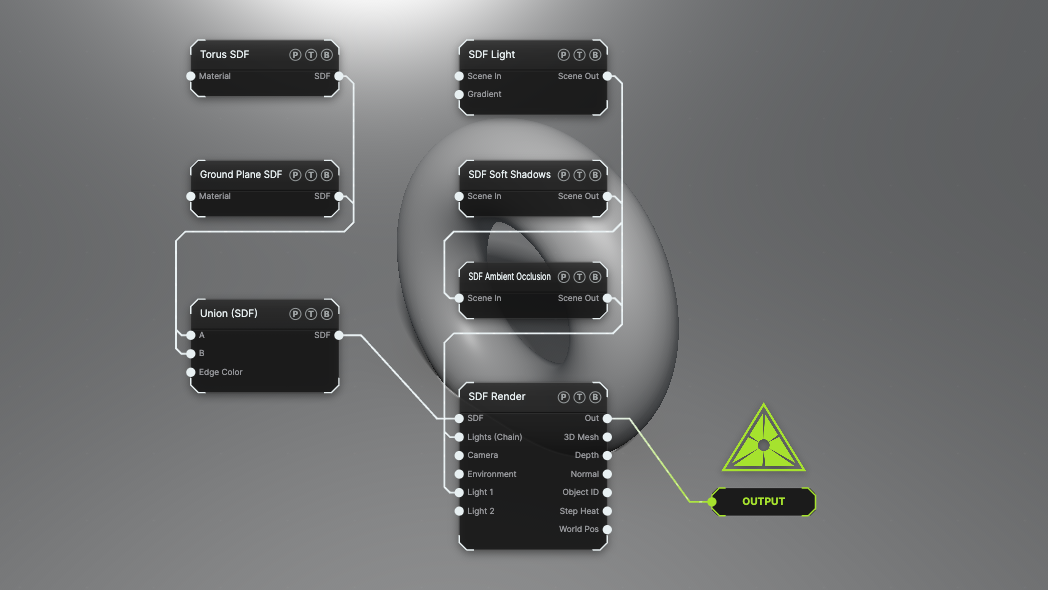
The image on the right is the example patch itself. Drag and drop it onto the app, or load it with File → Load, to open the full graph. Soft Shadows and Ambient Occlusion are chained into the render node's Lights (Chain) port.
Inputs and outputs
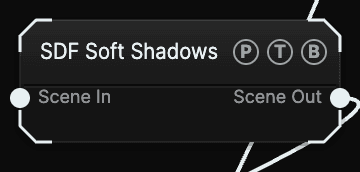
All four nodes share the same ports:
| Port | Type | Purpose |
|---|---|---|
| Scene In | Surface | Optional. Chain another FX node or a light in here. |
| Scene Out | Surface | Wire it into SDF Render's Lights (Chain) port or a numbered Light slot. |
The payload passes straight through. The node carries no image, so there is no Opacity or Blend Mode header.
Parameters
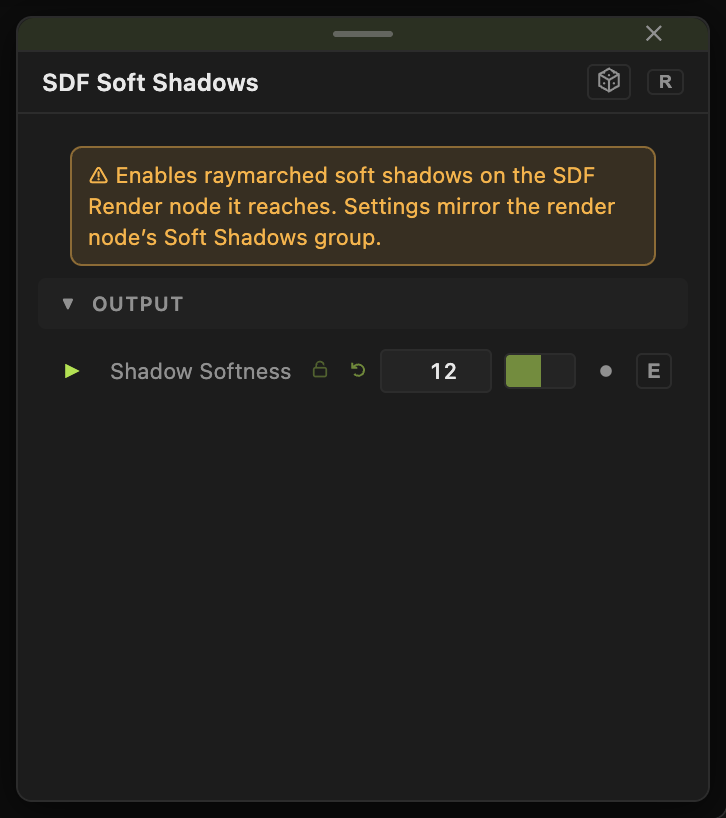
- SDF Soft Shadows — Shadow Softness (2–64, default 12). Mirrors the render node's Soft Shadows group.
- SDF Ambient Occlusion — SDF AO (0–1, default 0.7). Mirrors Ambient Occlusion.
- SDF Fog — Fog Color, Fog Density (default 0.08), Fog Start, Sky Fog (default 0.5), Height Falloff. Mirrors Distance Fog.
- SDF Specular — no parameters. Turns the specular term on; strength stays on materials.
Several copies of the same node act as one switch: the feature is on while any of them is wired and not bypassed.
Examples
Shadow toggle on a MIDI button — chain SDF Soft Shadows and map its bypass to a pad, so a performer can drop shadows when the frame rate matters.
Depth cue — SDF Fog with Fog Density 0.1 and a Fog Color near the background.
Troubleshooting
The feature stays on after deleting the node — the render node's own toggle is now the source. Turn it off in the render node's group.